

Build a Real Business Website
with AI & Visual Editing
Describe what you need, start from an AI-assisted draft or a real industry template, then refine pages, content, layouts, themes, and languages visually before you publish.
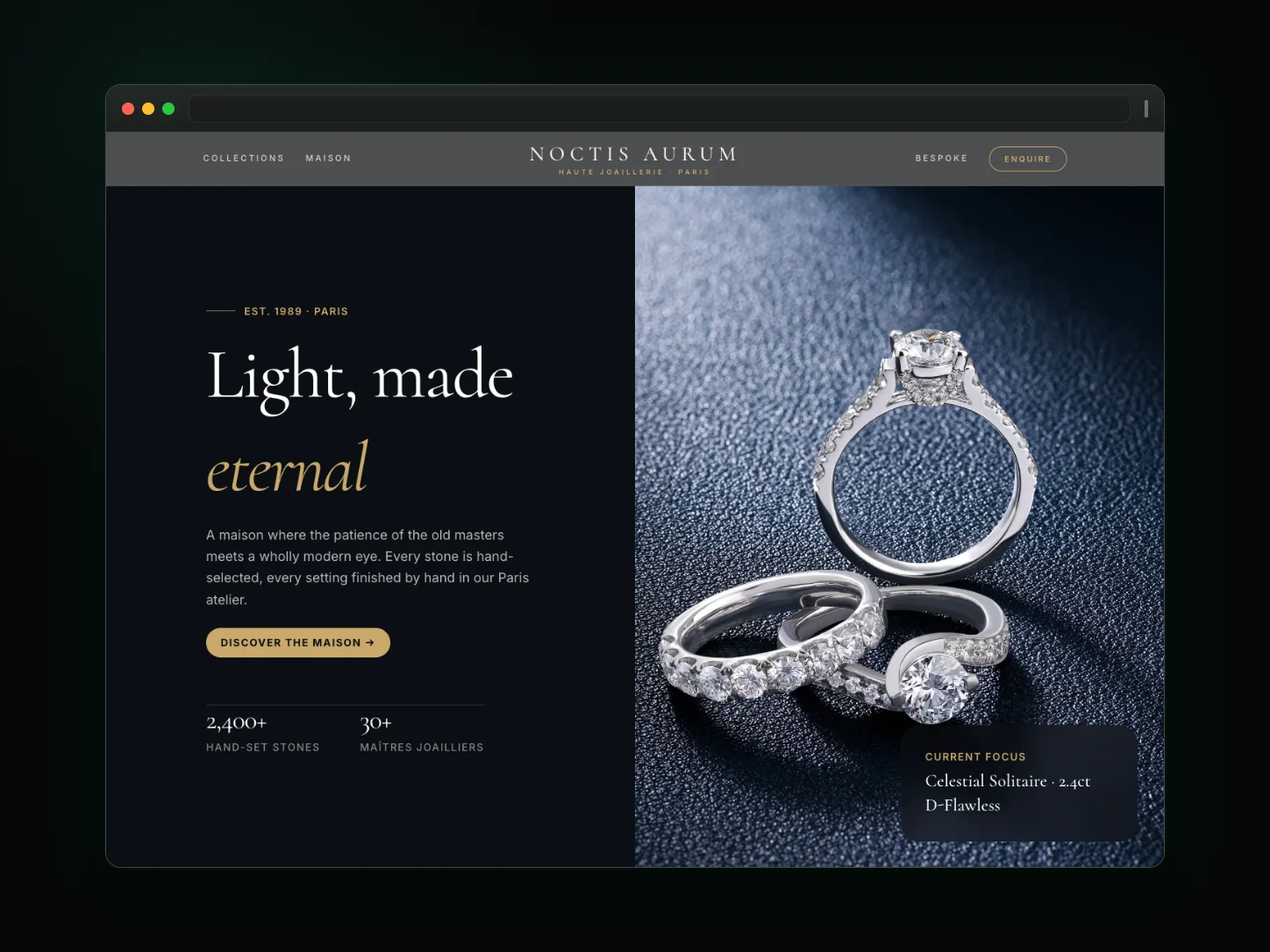
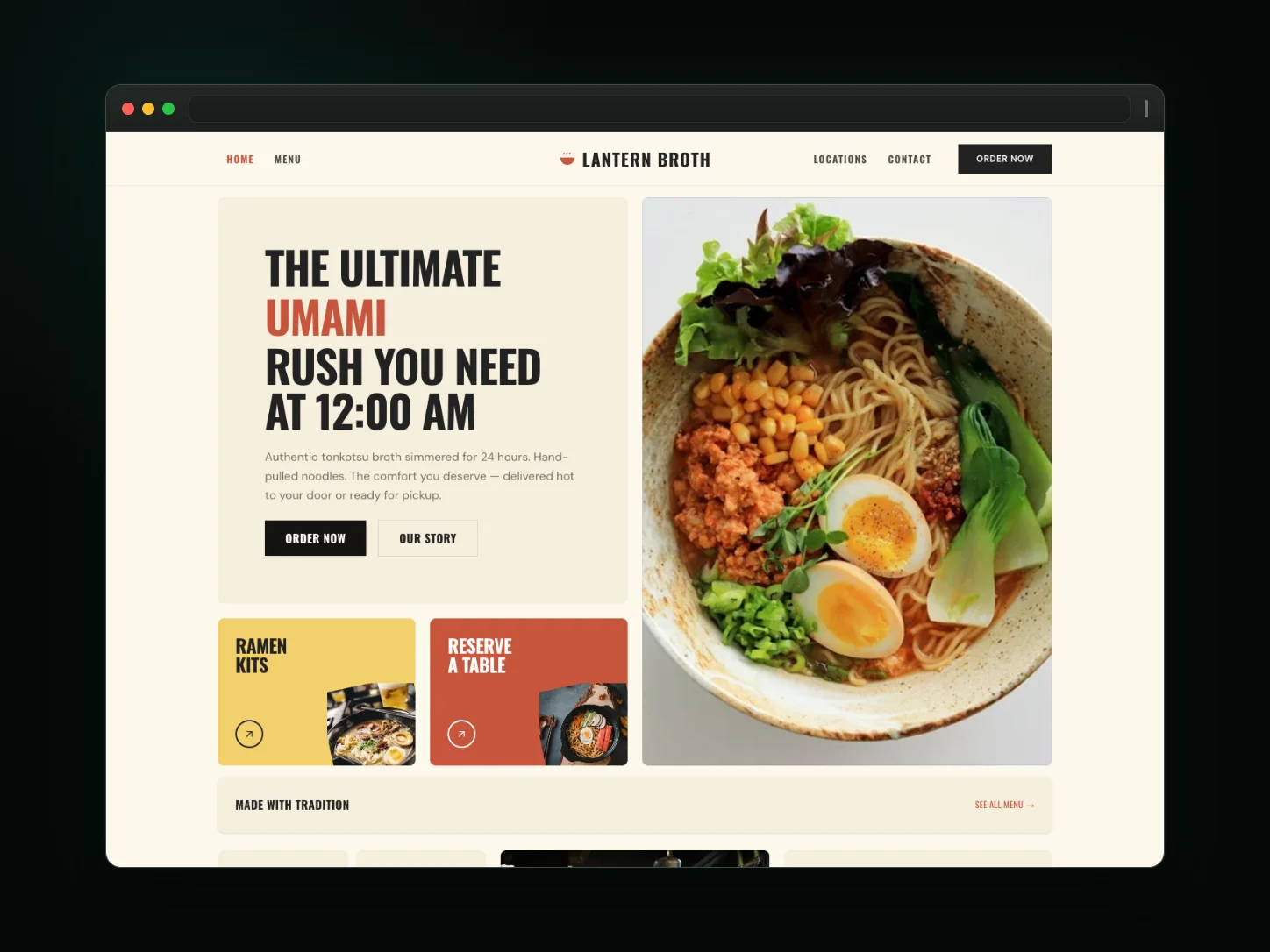
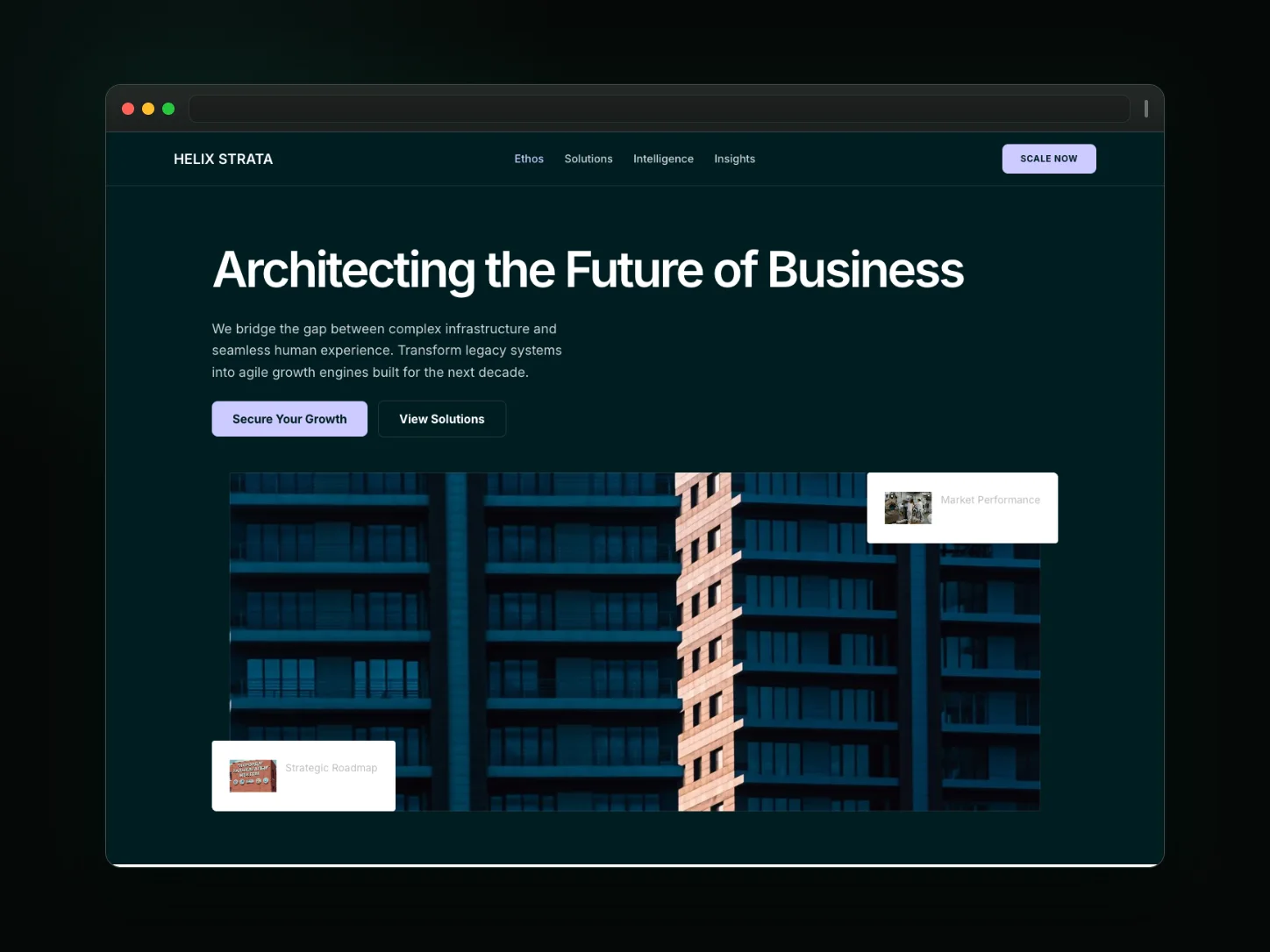
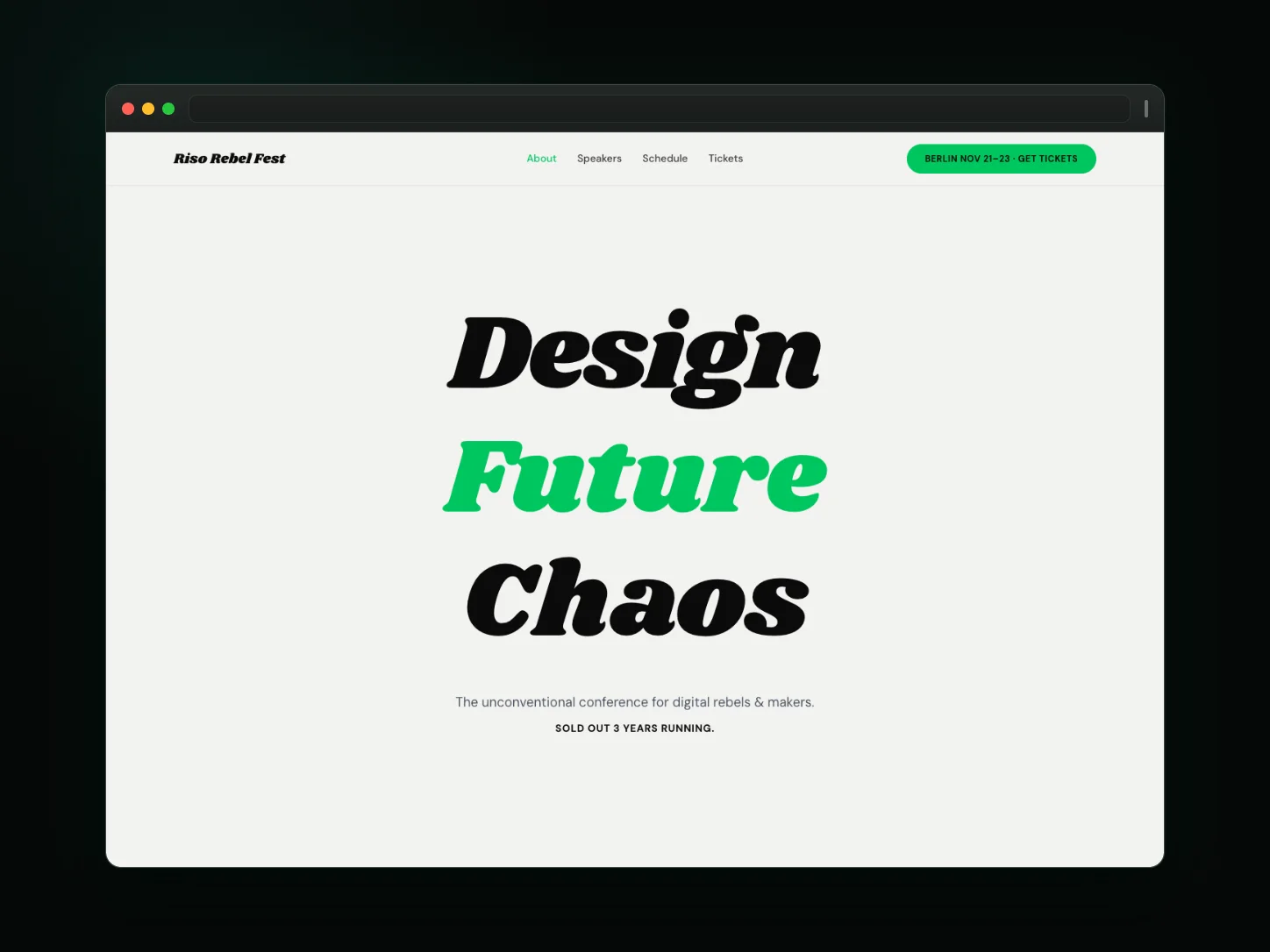
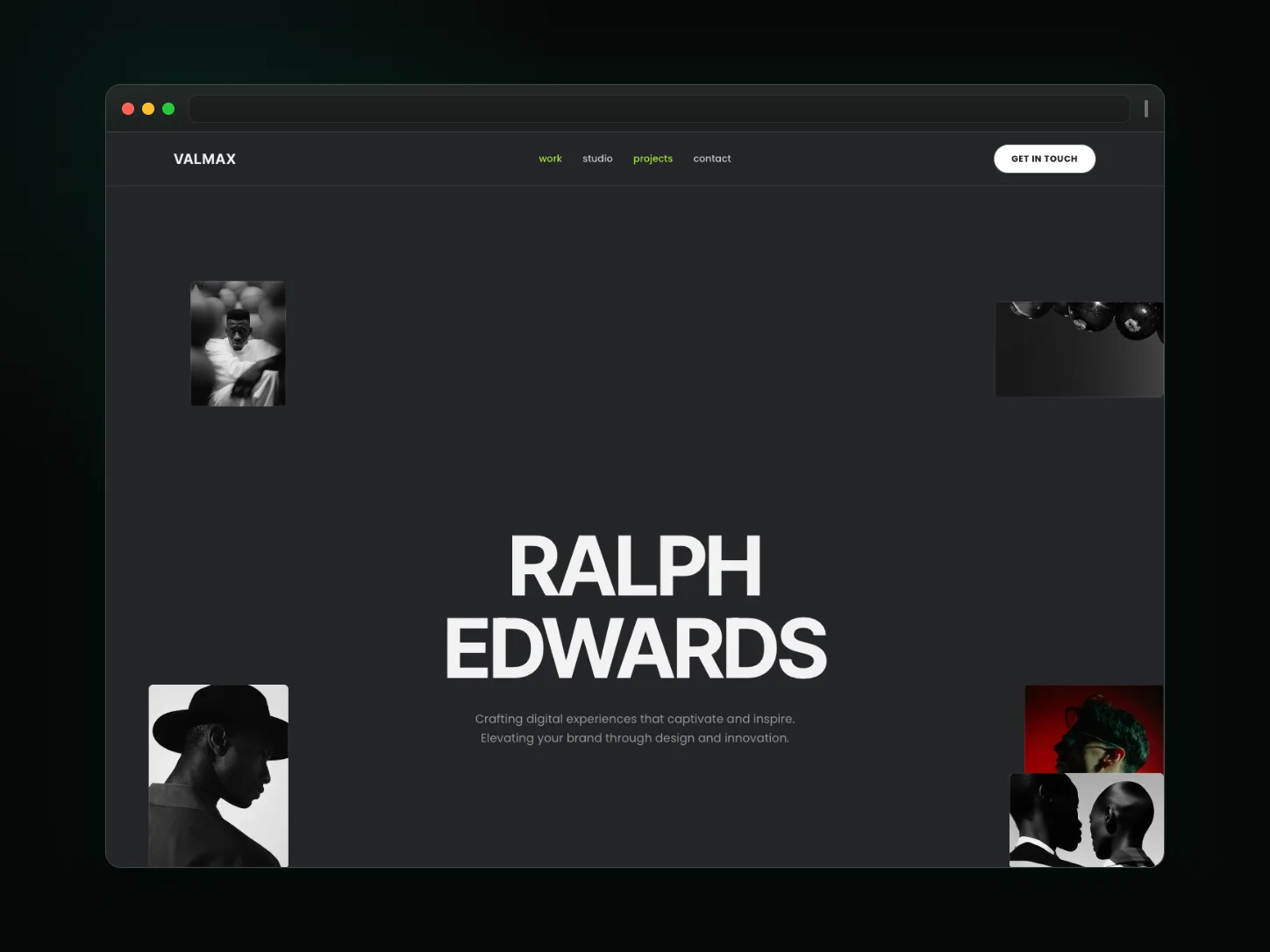
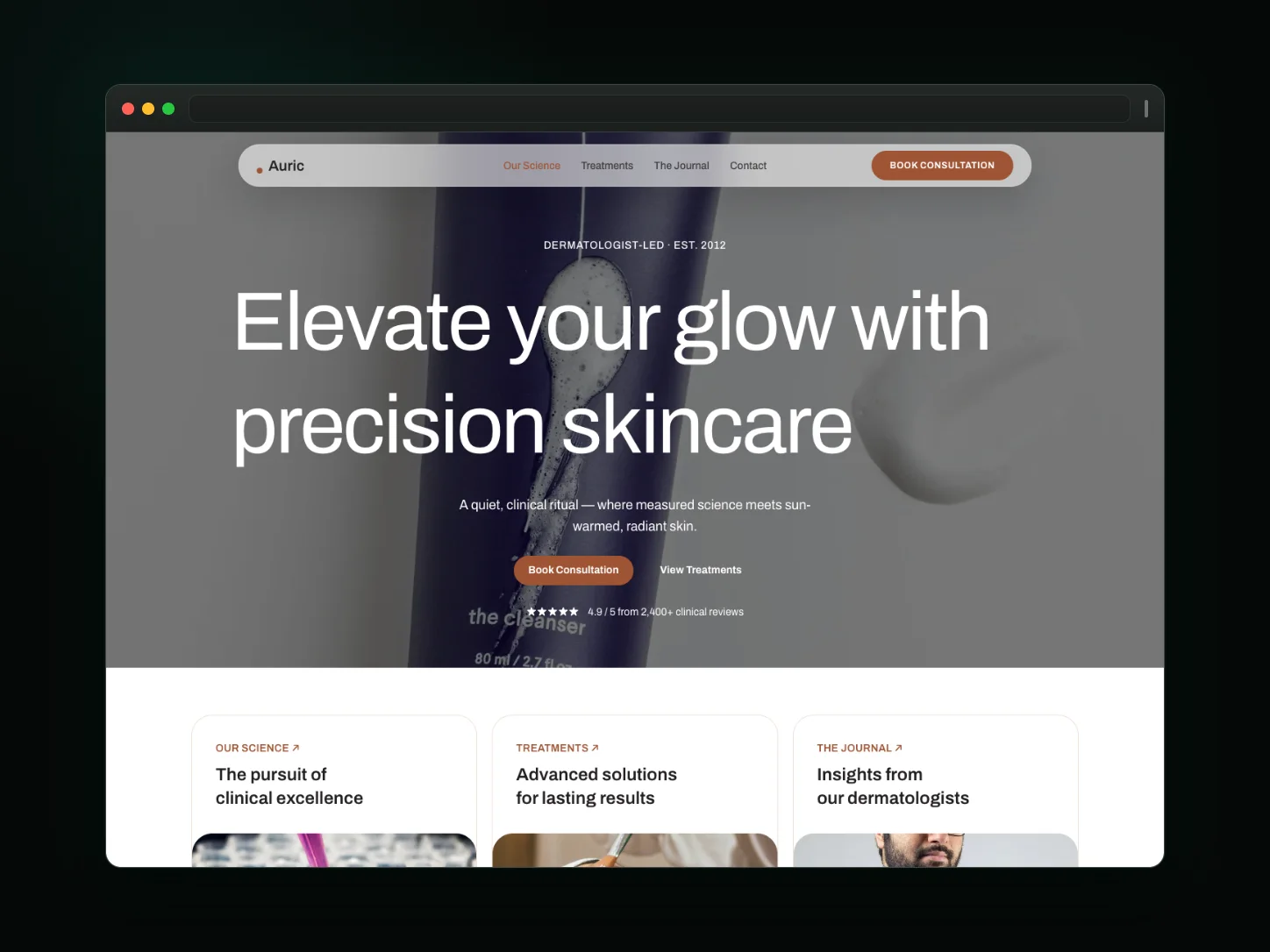
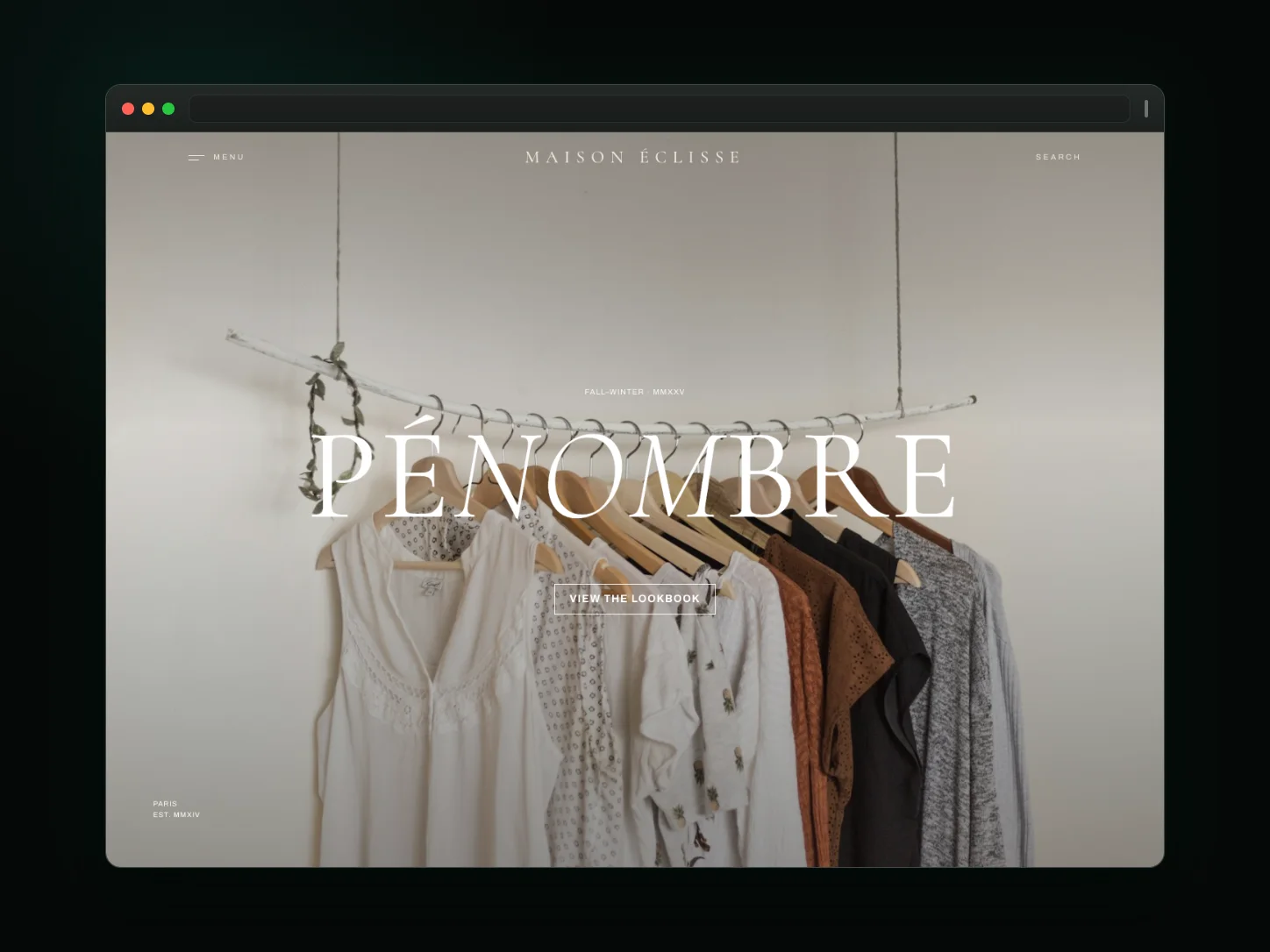
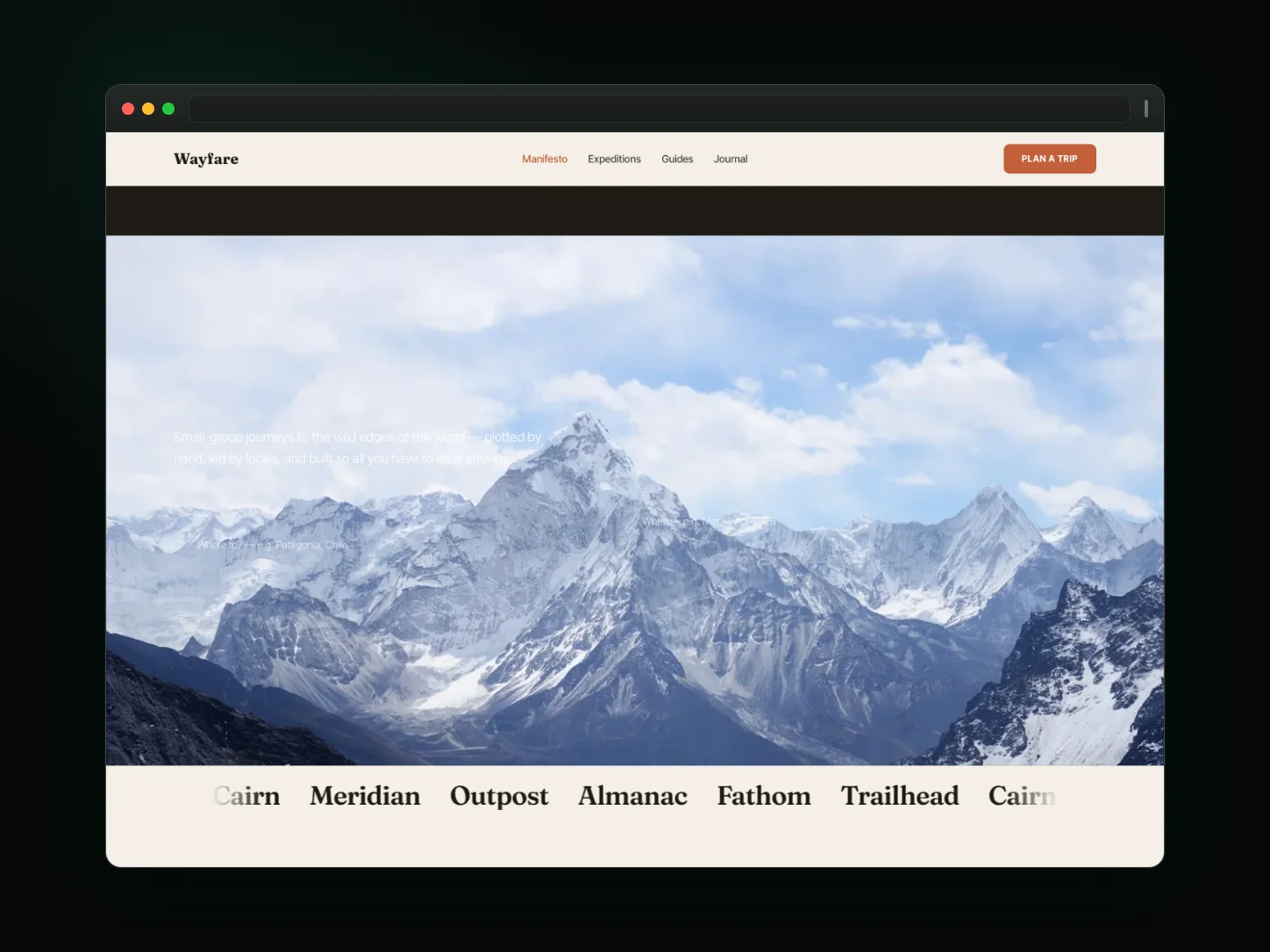
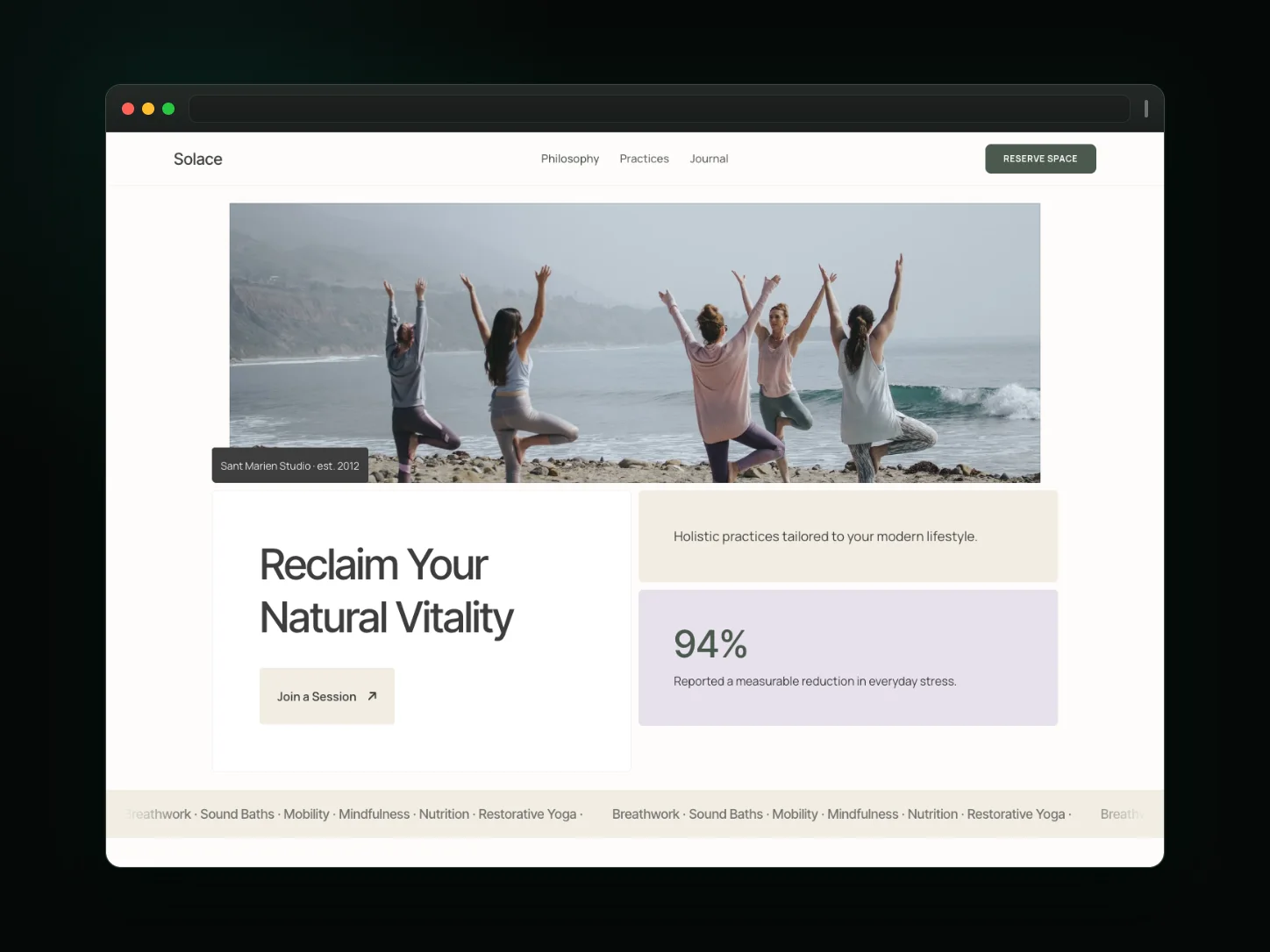
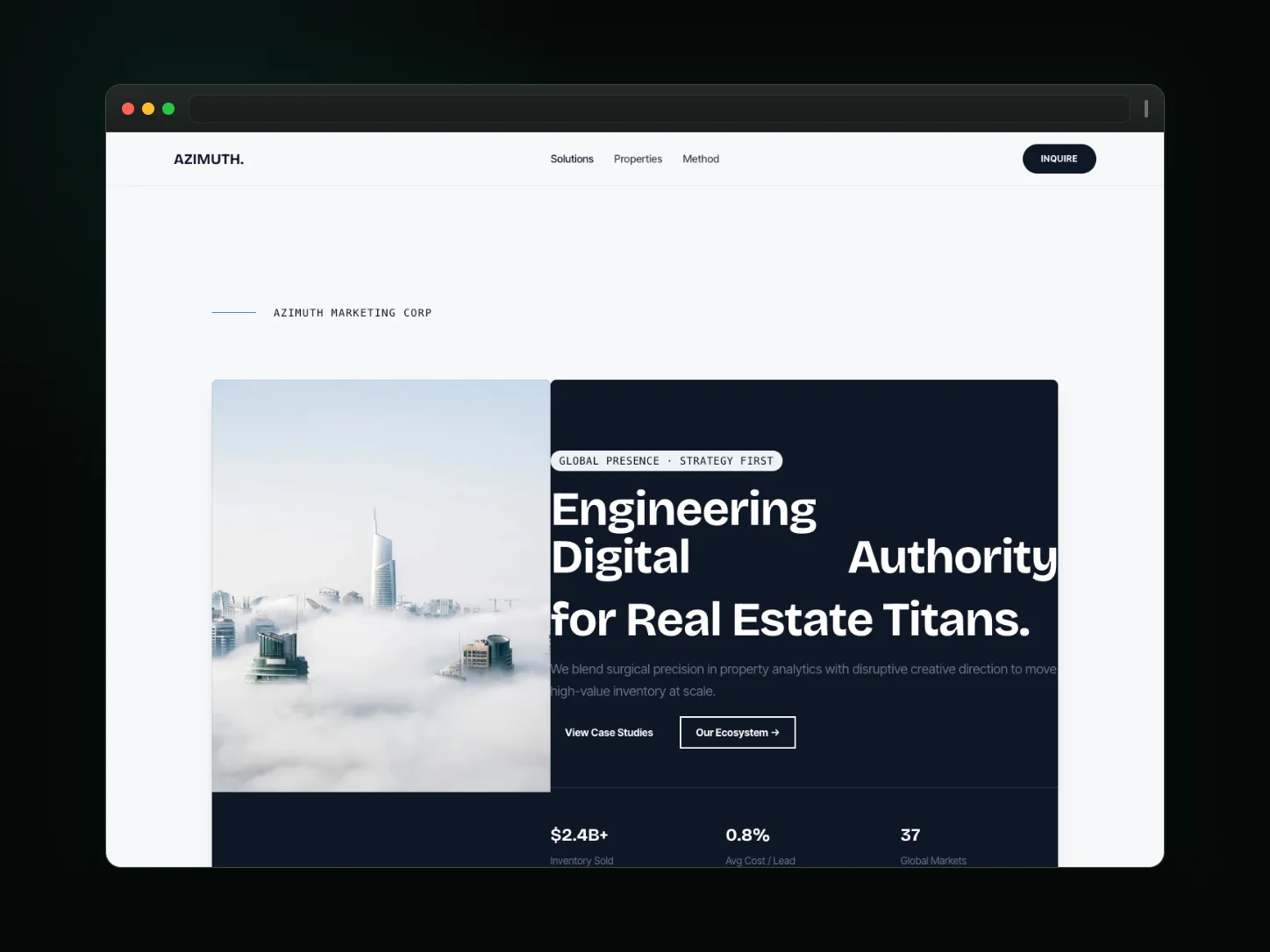
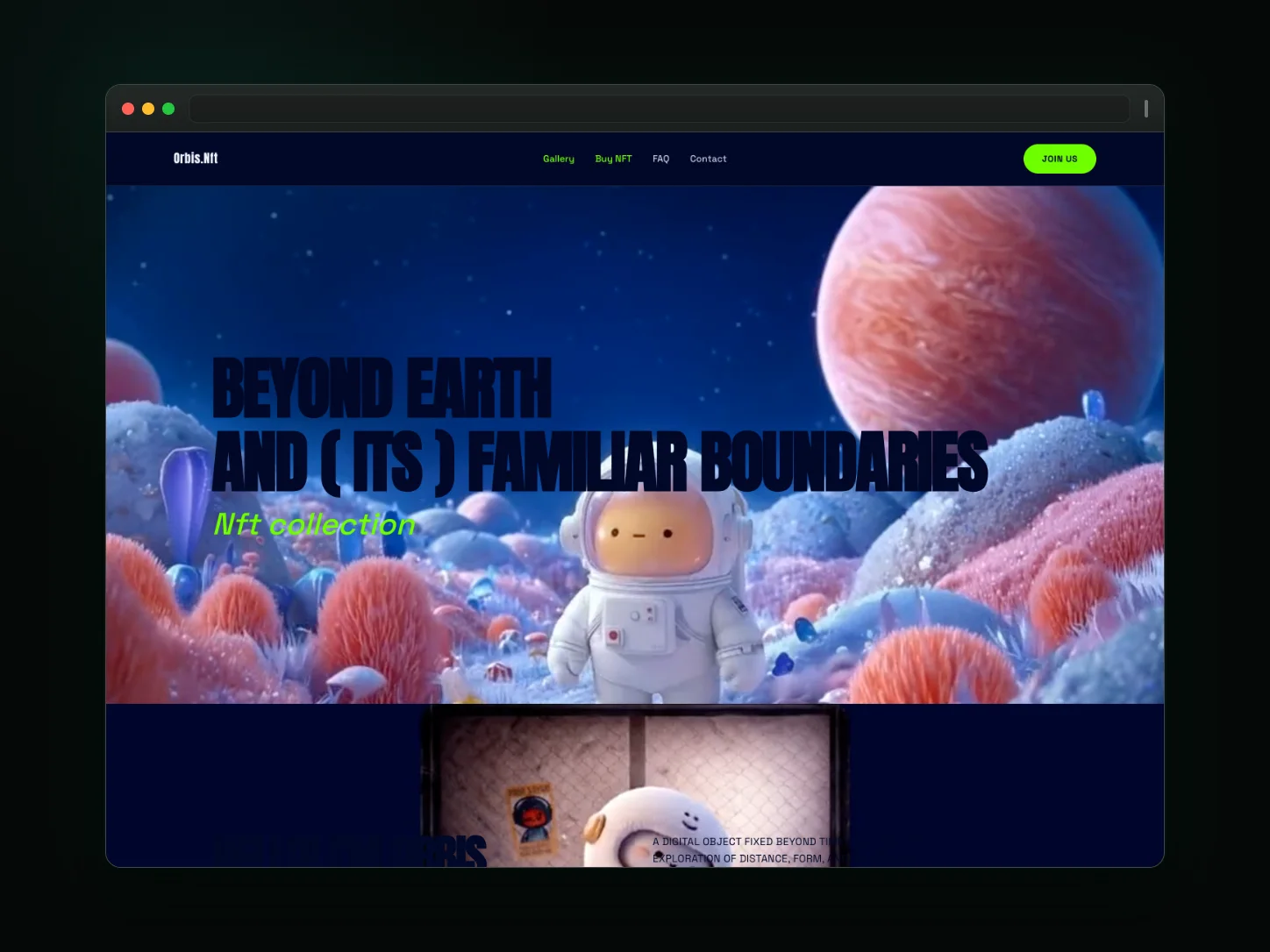
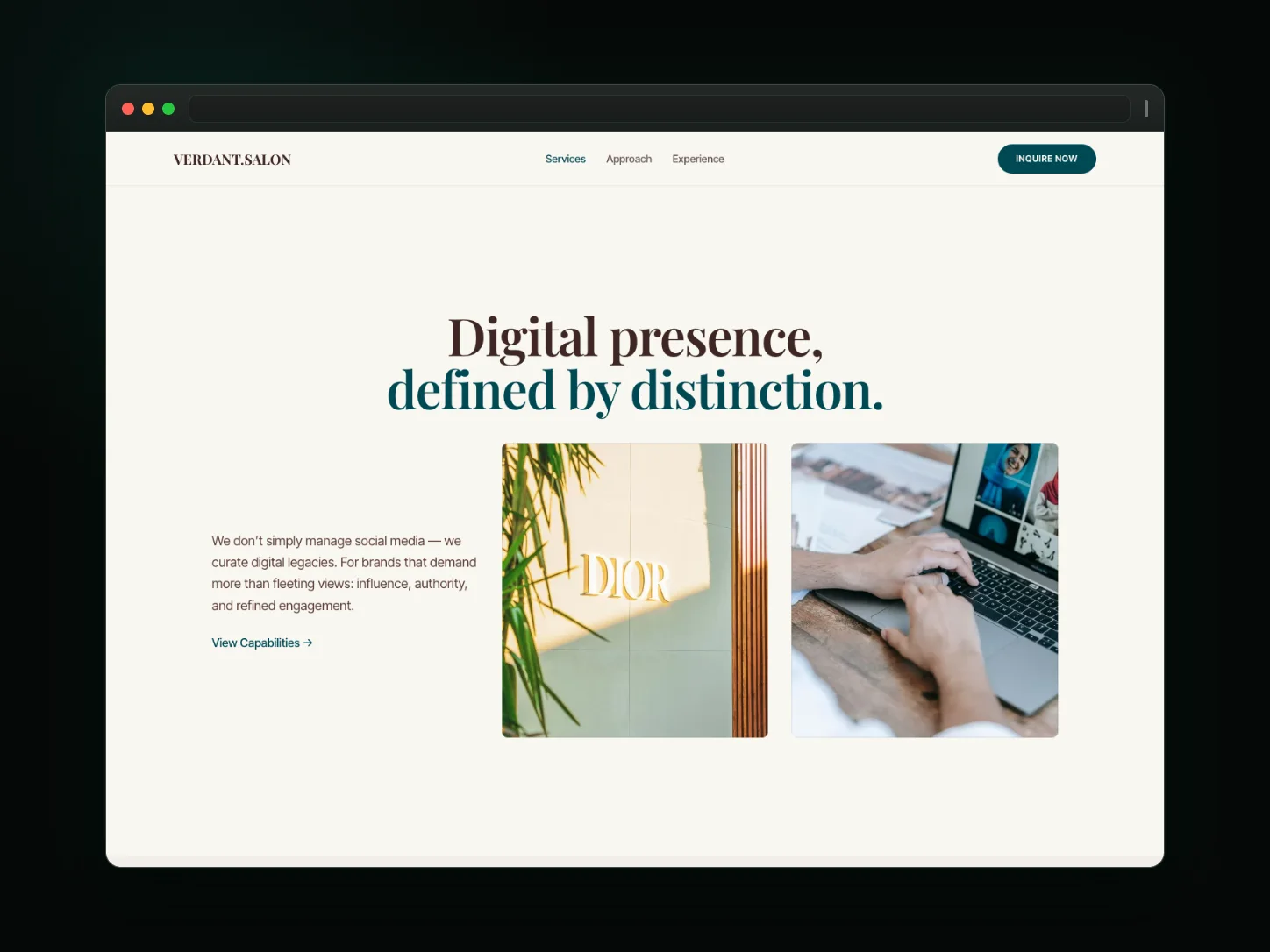
Beautiful Templates for Every Need
Start with a professionally designed template and make it your own.
From Idea to Live Website in 3 Steps
No coding skills needed. Describe, customize visually, and publish.
Describe
Tell our AI what you want to build in any language. It drafts a complete multi-page website with content, layout, and design.
Customize
Use the visual drag-and-drop editor to fine-tune every detail. Adjust layout, colors, fonts, and content — or ask AI for suggestions.
Publish
Go live with one click on your free Cogo Site subdomain — your site is SEO-ready, with SSL, sitemap, and robots.txt handled automatically.
Edit every page with a visual website editor
Work on the real page, not a wireframe. Change sections, layout, text, and images directly on the canvas, check the responsive result, and keep one theme system across every page.
- Edit the real page inline — sections, layout, copy, and images
- Layout, components, and theme stay consistent across the whole site
- Responsive preview shows desktop, tablet, and phone while you edit

Draft and refine website content with AI assistance
The AI assistant works inside the editor on the site you are building: draft a first version of a page or section, rewrite or shorten copy, and review every suggestion on the canvas before it is published.
- Draft page and section copy without leaving the editor
- Rewrite, shorten, or expand existing content in place
- You review each change on the real page before publishing

Build multilingual websites from one workspace
Publish localized versions of your site with AI translation assistance and a language switcher for visitors — then review each locale before it goes live.
- Multiple locales managed inside one site, not duplicated websites
- AI translation assistance drafts; you review and publish
- A language switcher so visitors can change the site's language

Choose the path that matches the website you are actually building
Start with purpose-built templates and workflows tailored to your industry.
Service Businesses
Start from HVAC, roofing, cleaning, or landscaping structures shaped around services, proof, service areas, and contact.
Small Businesses
Build an editable multi-page business site, then add the content and customer workflows your operation actually needs.
Founders & SaaS
Use product-focused templates, visual editing, AI-assisted copy, pricing sections, and multilingual publishing.
Creators & Portfolios
Start from portfolio, creator, studio, or content templates and keep the final structure fully editable.
Start with a website shaped around local service customers
Explore dedicated templates for HVAC, roofing, cleaning, and landscaping — purpose-built for the trade and fully editable.
HVAC Services
Heating and cooling service site with services, service areas, and a built-in quote request form.
Roofing contractor
Roofing company site with project showcases, services, and a built-in quote request form.
Cleaning business
Cleaning business site with services, coverage areas, and a built-in booking request form.
Landscaping business
Landscaping and lawn care site with project galleries, services, and a built-in estimate request form.
Connect the website to the workflow you need next
See how it all works together — from first visit to follow-up.
Start free, then upgrade when the workflow requires it
Start with our Free plan to build and publish today, or choose a plan with advanced customer workflows.
Explore Guides and Product Comparisons
Helpful resources for choosing a builder, planning multilingual sites, and evaluating features.
Visual Website Editor
See how normal site components, layouts, themes, preview, and editing fit together.
Build a Multilingual Website
Read the practical guide to planning and publishing more than one locale.
Durable Alternatives
Compare website-builder tradeoffs rather than relying on a generic feature checklist.
Frequently Asked Questions
Questions teams usually ask before switching to an AI-first website workflow.
Ready to Build Your Website?
Join founders who launched their websites with Cogo Site. Describe it, refine visually, and publish — no code required.
- No credit card required
- Free plan available
- No code required