
Portfolio website templates
Gallery-first layouts that let projects, case studies, and identity lead. Preview a real portfolio template, then adapt pages, copy, and the visual system in Cogo Site.
What's included
Gallery-first layout
Full-bleed project images with hover-to-expand details, not buried under text.
Project case studies
Structured pages for each project: brief, process, outcome, and results.
Contact-ready structure
Editable contact sections and CTA placements let you point visitors to the contact path you actually use.
Editable visual theme
Tune typography, colors, spacing, and supported theme settings in the visual editor to fit your portfolio identity.
Who is this for
Designers
UX/UI, product, and graphic designers showcase case studies with process detail.
Developers
Frontend and full-stack engineers highlight shipped products and technical depth.
Artists & illustrators
Visual artists present full-bleed imagery without compression or layout compromise.
Closest starting structures for this use case
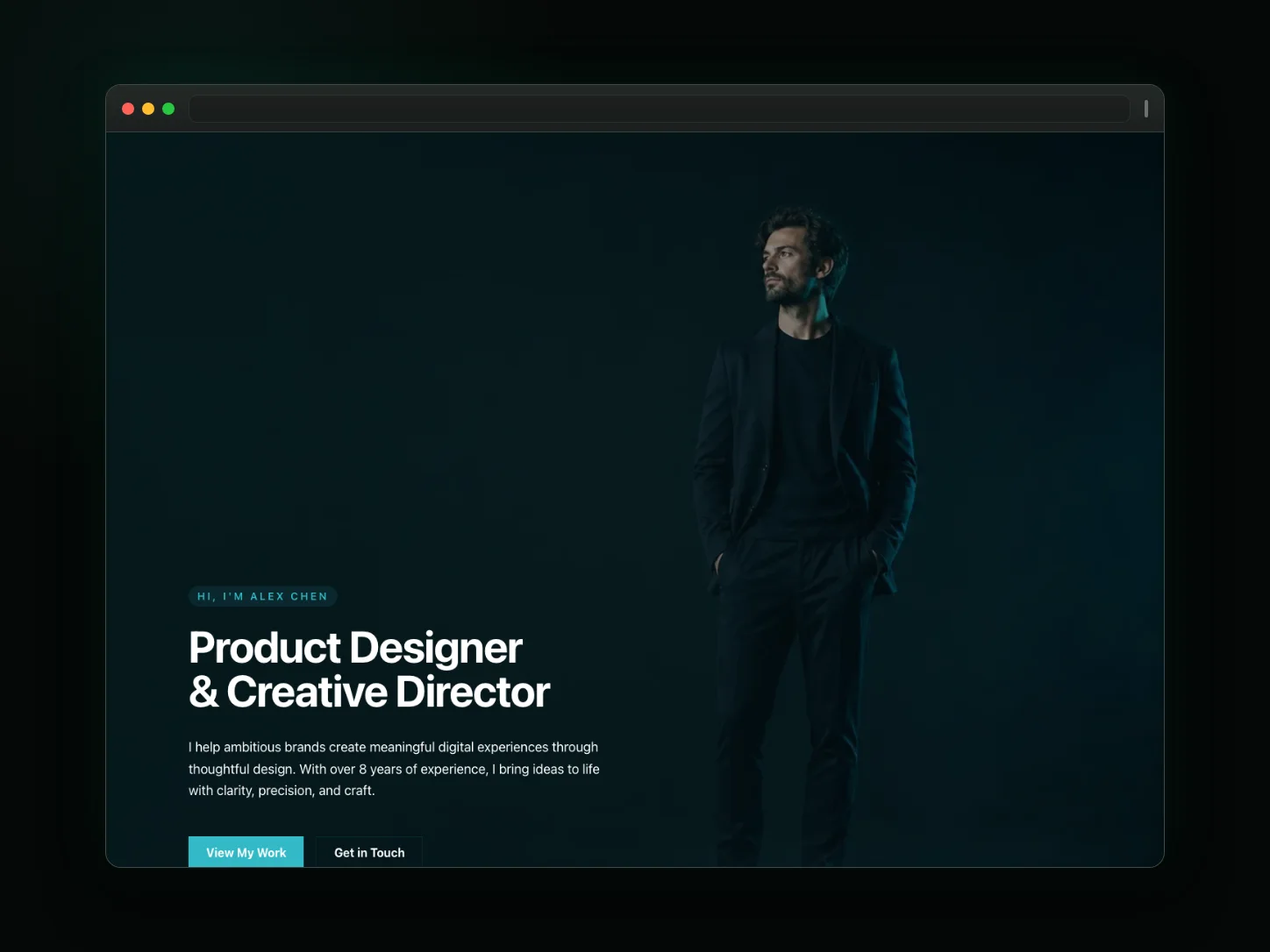
Personal Portfolio
A sleek, dark-themed portfolio for designers, developers, and writers. Highlight your projects, technical skills, and client inquiry route.
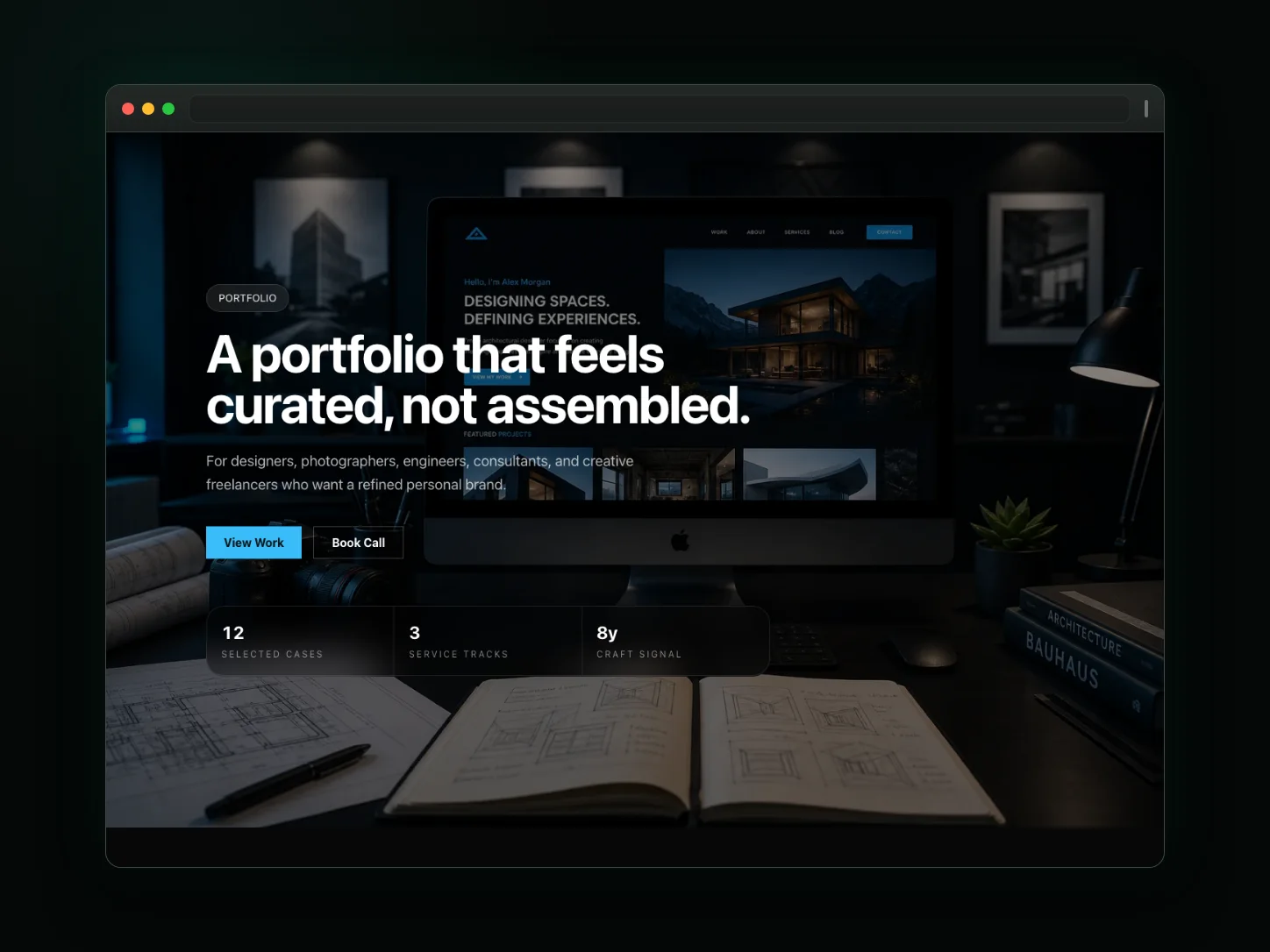
Studio Portfolio
A modern grid portfolio for creative agencies, design studios, photographers, and independent consultants to showcase work.
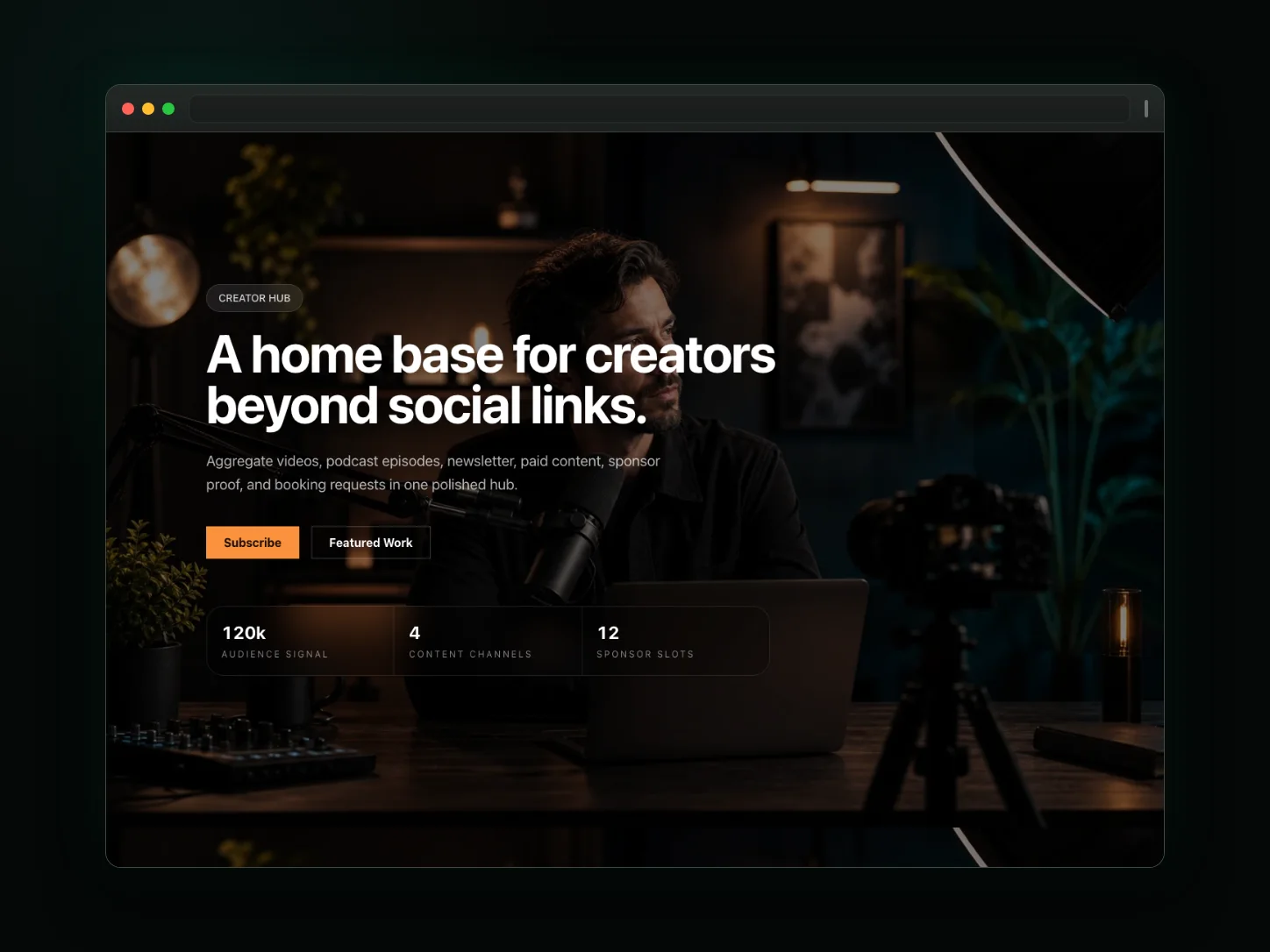
Creator Hub
A unified brand hub for creators, podcasters, and influencers. Integrate newsletter signup, media links, and sponsorship inquiries.
Frequently asked questions
Can I use my own domain?
Yes—connect any custom domain via our guided DNS setup. Subdomain (yourname.cogosite.com) is free and instant while you decide.
Do I need to know how to code?
No. Start from an editable portfolio template and use the visual editor to change the pages, copy, layout, and theme. AI assistance is a separate bounded editing workflow where available.
Can I show password-protected projects?
Not as a capability of the portfolio template itself. Treat template pages as normal public website pages unless a separate, verified access-control feature is enabled for your site.
How does the free plan work?
Use the current Pricing page as the source of truth for publishing limits, domains, AI assistance, and other plan entitlements; the portfolio template does not change those limits.
Can I add client testimonials to each project?
Yes—every project page supports outcome summaries, testimonial quotes, and logo strips so your portfolio shows proof, not just visuals.