
Resume website templates
Structured online-CV layouts built for recruiter scanning: skills, timeline, projects, and contact. Start from a real resume website template and edit everything in the visual editor.
What's included
Recruiter-scan layout
Skills, timeline, and quantified achievements surface above the fold for 6-second scans.
Print-friendly presentation
A clean, single-column CV structure that remains easy to scan on screen and can be printed with normal browser controls.
SEO for your name
Clear heading structure and page metadata help your site surface for name searches.
Contact + scheduling link
Add a Calendly or scheduler link so recruiters can book intro calls in one click.
Who is this for
Job seekers
Active candidates who want a memorable application link in cover letters and emails.
Career switchers
Pivoters who need to frame transferable skills visually, not just list past titles.
Freelancers
Contractors who want a professional URL to share alongside proposals.
Closest starting structures for this use case
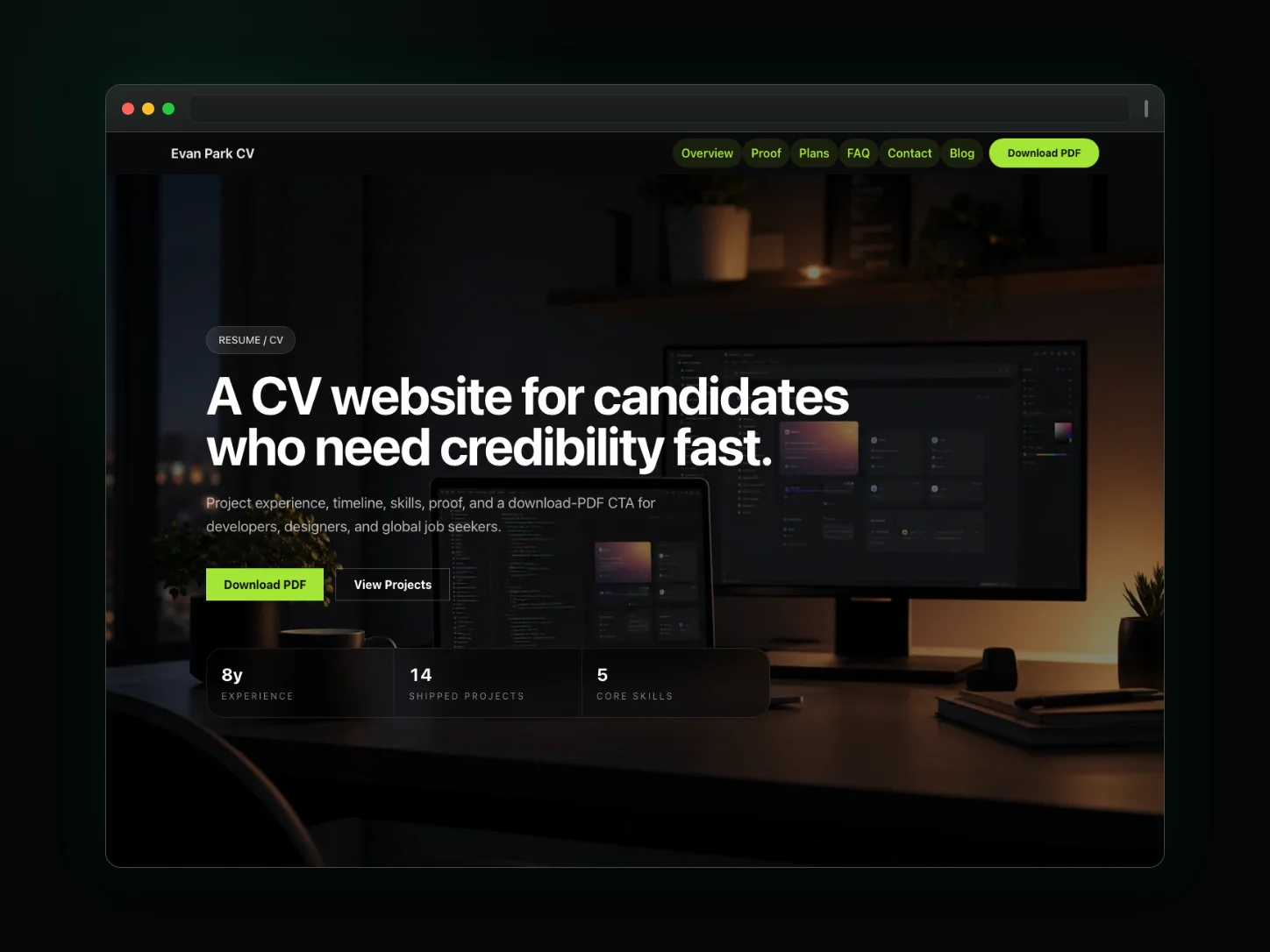
Online CV
An interactive online CV and professional resume. Highlights your career timeline, key skills, and offers a direct inquiry form for recruiters.
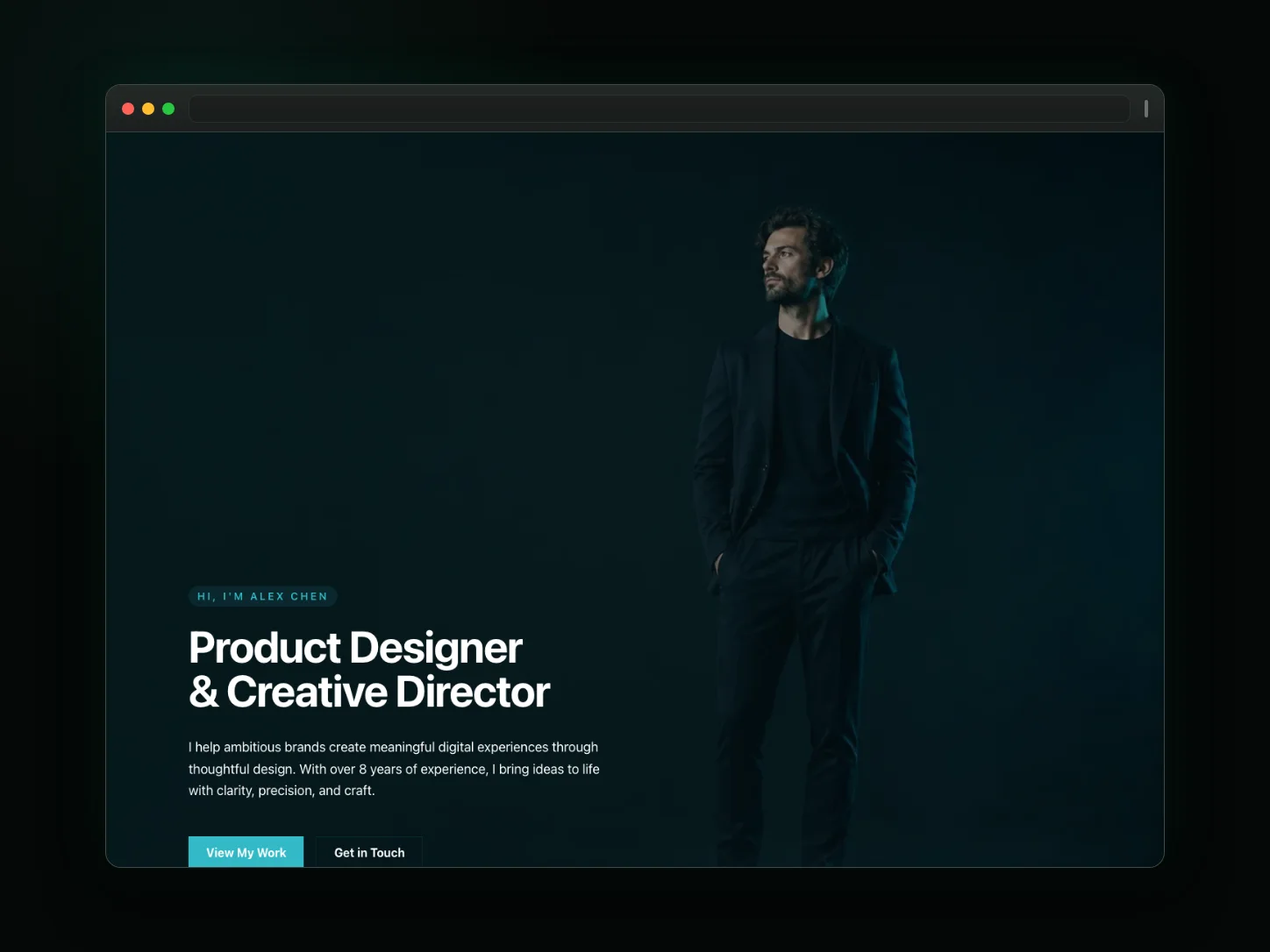
Personal Portfolio
A sleek, dark-themed portfolio for designers, developers, and writers. Highlight your projects, technical skills, and client inquiry route.
Frequently asked questions
Will my name actually rank on Google?
A descriptive title, headings, profile copy, and a stable public URL give search engines clear context, but indexing time and rankings are controlled by search engines and are not guaranteed.
Should I keep my PDF resume too?
Yes. Keep your existing PDF for application systems that require an upload, and use the website as a separate public profile you can update in the visual editor.
Can I track who views my resume?
Analytics is not a capability of the resume template itself. Use only the analytics or custom-code options currently documented for your plan, and verify the resulting data in that analytics provider.
What if I change jobs?
Update the website copy, timeline, projects, or skills in the visual editor. Any separate PDF resume remains a separate document that you update independently.
Can I include work authorization and location preferences?
Yes—add badges for visa status, remote preference, relocation openness, and target cities so recruiters qualify you faster.