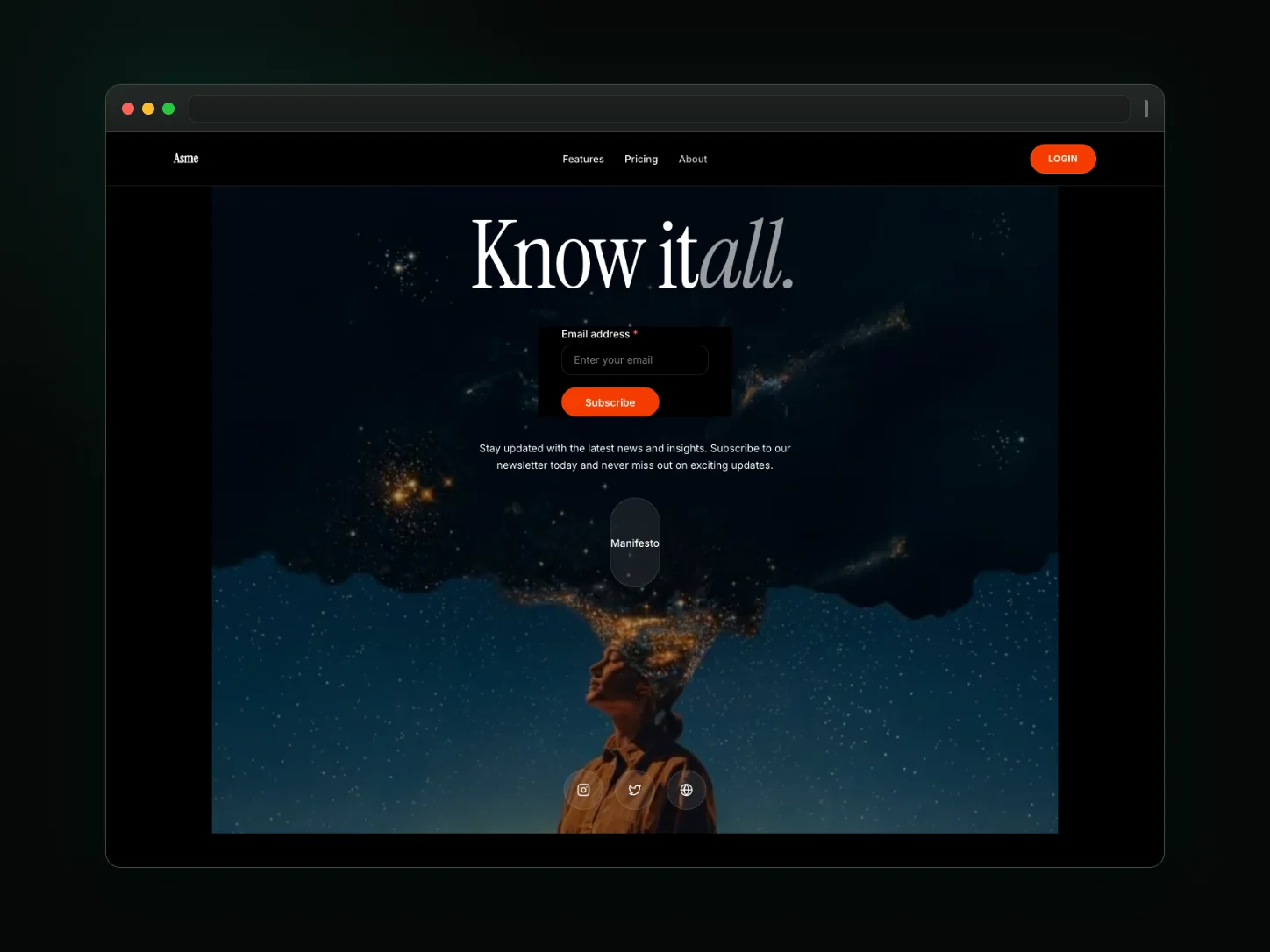
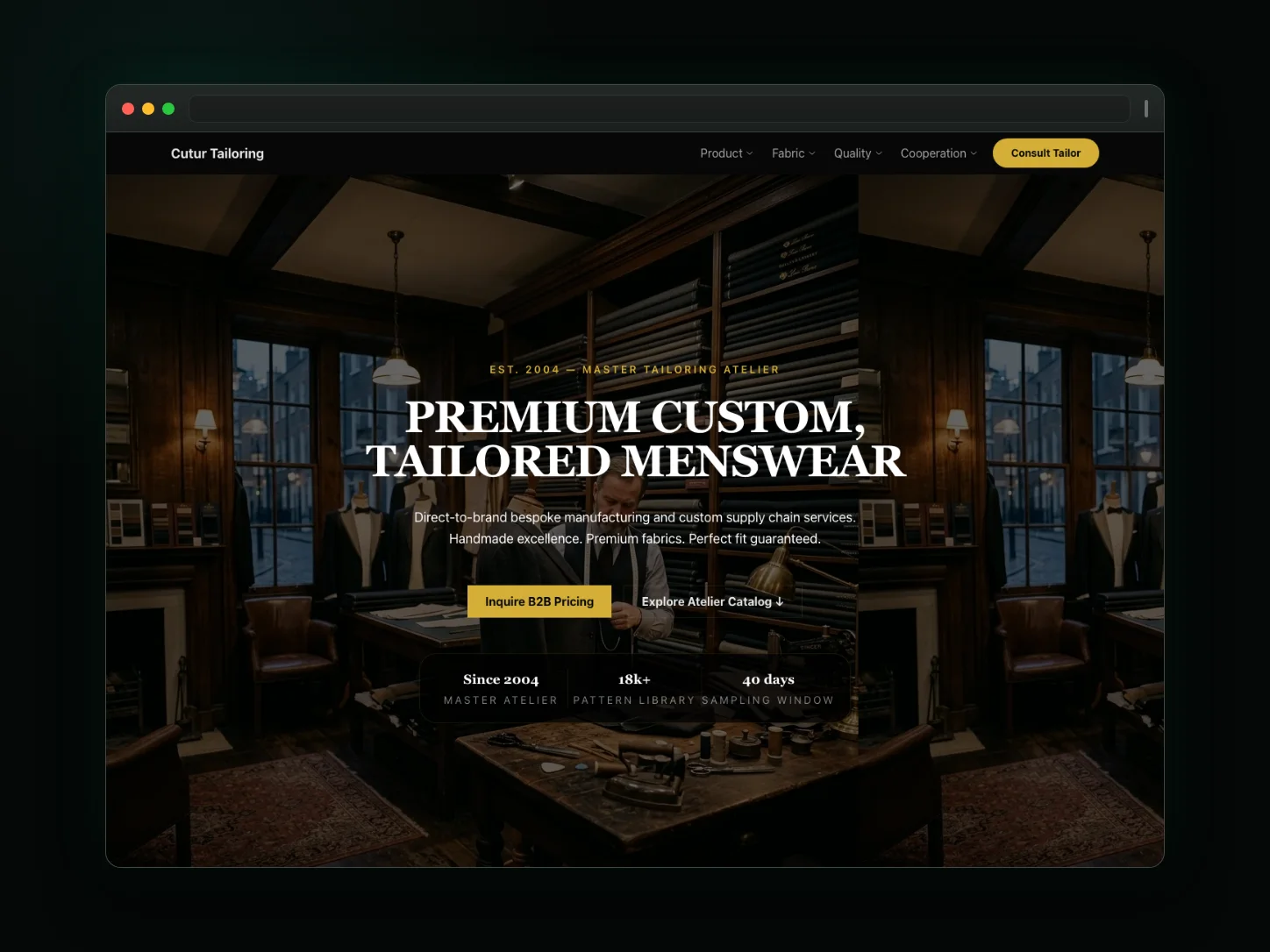
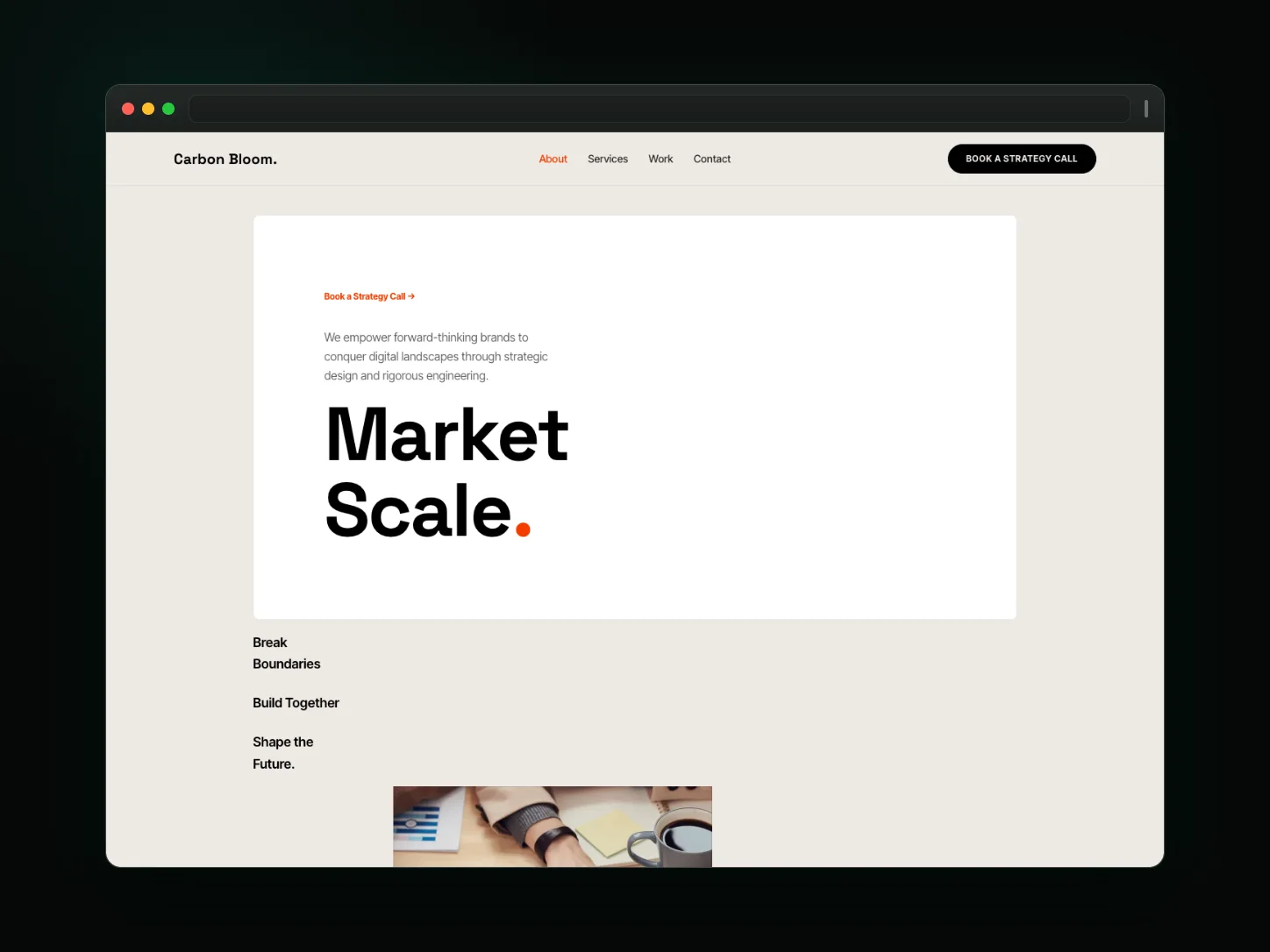
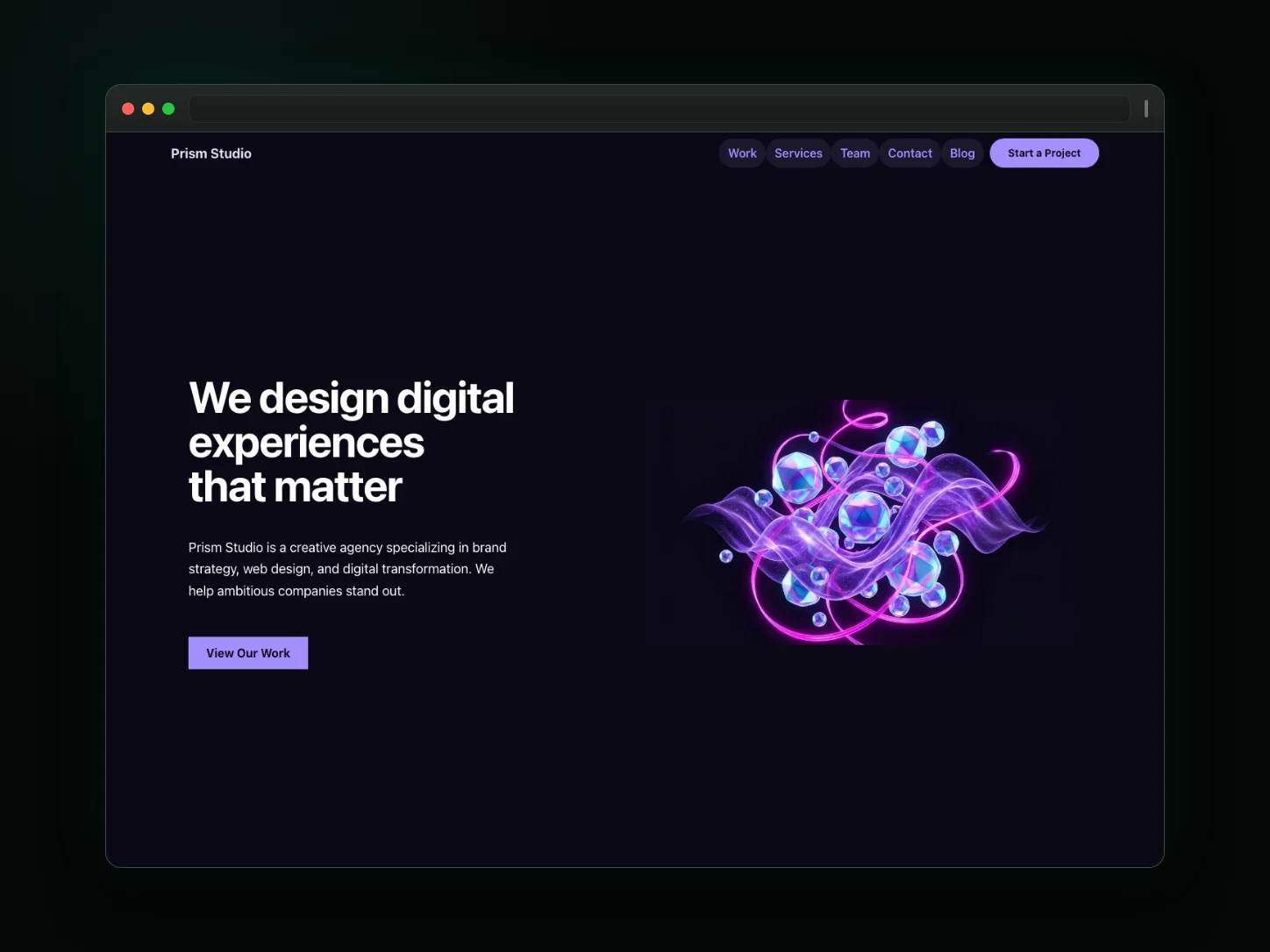
Crimson Cut Studio — video editing website template
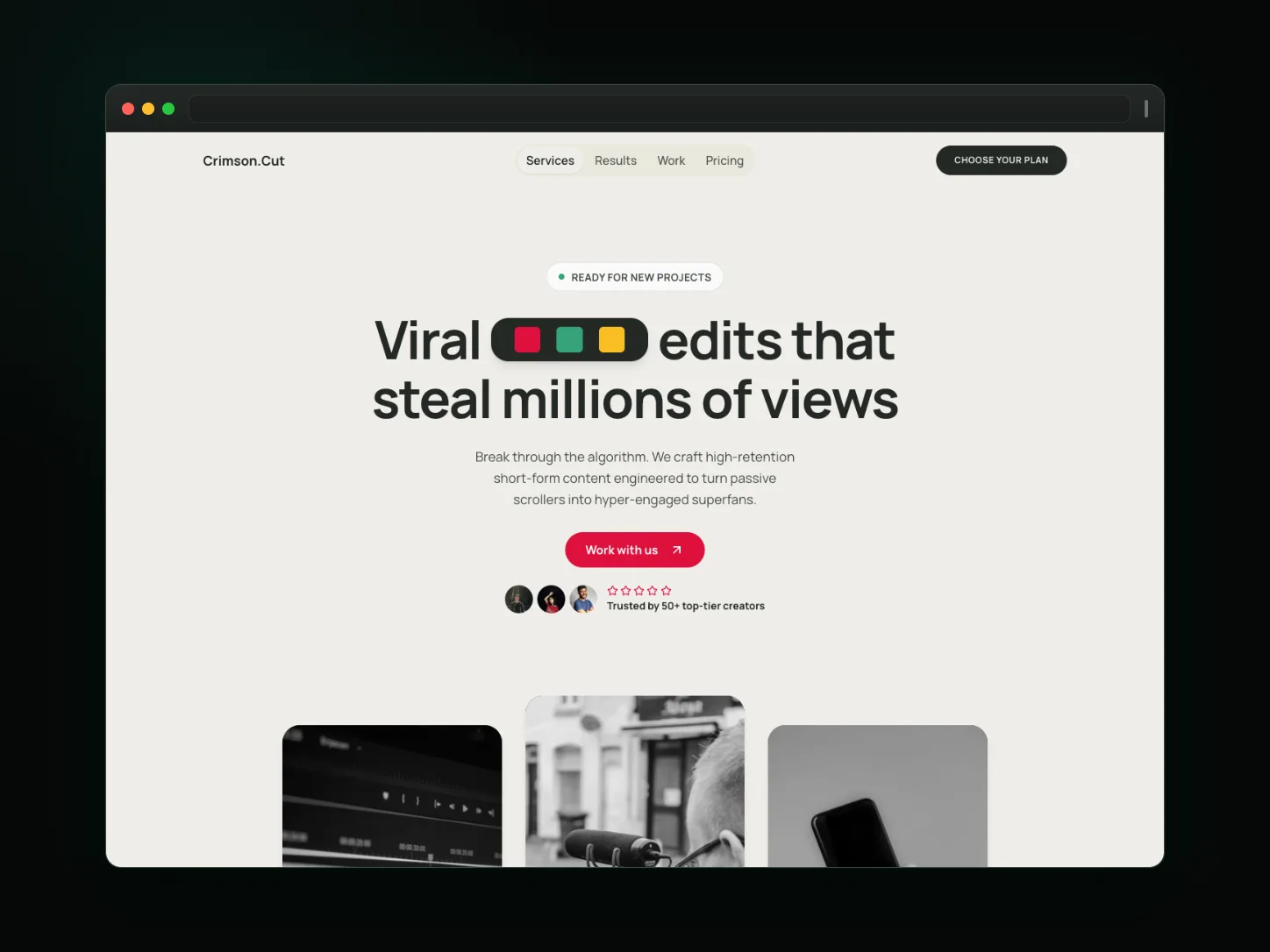
A bold single-page website design for video editing. The homepage is built around expandable FAQ blocks and visual slideshow storytelling. Preview the real template, then edit every page, section, and visual detail in Cogo Site.
Best for
- Built for creators and studios whose work has to lead the page — specifically video editing projects.
- Works well when expandable FAQ blocks and visual slideshow storytelling should carry the first impression.
- Suits focused launches and campaigns where message, proof, and next action sit on a single page.
What is included
Pages
- Home
Every Cogo Site site also ships standard pages: a blog with article pages, product pages, and customer account pages.
Homepage sections
- expandable FAQ blocks
- visual slideshow storytelling
- customer proof sections
Design facts
- one core page: the entire pitch lives on the homepage
- a single dominant hero statement
- testimonial proof is part of the homepage rhythm
- expandable FAQ blocks are part of the homepage
- commits to a bold visual direction
- ships a light color mode as the default book
- a marquee/looping slider treatment
- carousels are editable, timeline-driven slides — no external carousel runtime
- expand/collapse blocks are native editable sections, not injected JS widgets
Why this design works
Crimson Cut Studio is the "video editing website template" starting point for video editing businesses in a bold direction.
Crimson Cut Studio runs 3 distinct homepage section types (including a marquee/looping slider treatment), with a light color book as the default.
Crimson Cut Studio keeps message, proof, and the next action in one single-page scroll order, so small launches stay maintainable.
The frozen design intent for Crimson Cut Studio puts weight on a single dominant hero statement.
Make it yours in Cogo Site
Start from this design and adapt it with capabilities that exist in the product today.
Edit every page visually
Open this design in the Cogo Site visual editor and change pages, sections, copy, images, layout, and theme directly on the canvas — no code required.
Publish in multiple languages
Ship localized versions of the site with per-locale URLs, hreflang, and sitemap handling built into the platform.
Draft copy with AI assistance
The AI Website Assistant can help draft and refine page copy inside the editor while every change stays reviewable before publish.