
Documentation website templates
Search-first structures with navigation, content hierarchy, and API/guide entries — for product docs and help centers. Edit structure and theme in Cogo Site.
What's included
Sidebar table of contents
Nested, collapsible navigation you edit directly on the page—no file structure to sync.
Search-style header
A prominent search entry in the header; connect your own search tool or route queries to a search page you control.
Guide & reference structures
Landing, guide, changelog, and reference-style page layouts for product docs and help centers.
Code blocks with styling
Monospace-styled code sections for samples and snippets, editable like any content block.
Who is this for
API docs
Public APIs needing endpoint reference, auth guides, and SDK code samples.
Open source projects
GitHub-hosted projects with setup, usage, and contribution guides.
Internal knowledge bases
Company handbooks, onboarding docs, and runbooks published for your team.
Closest starting structures for this use case
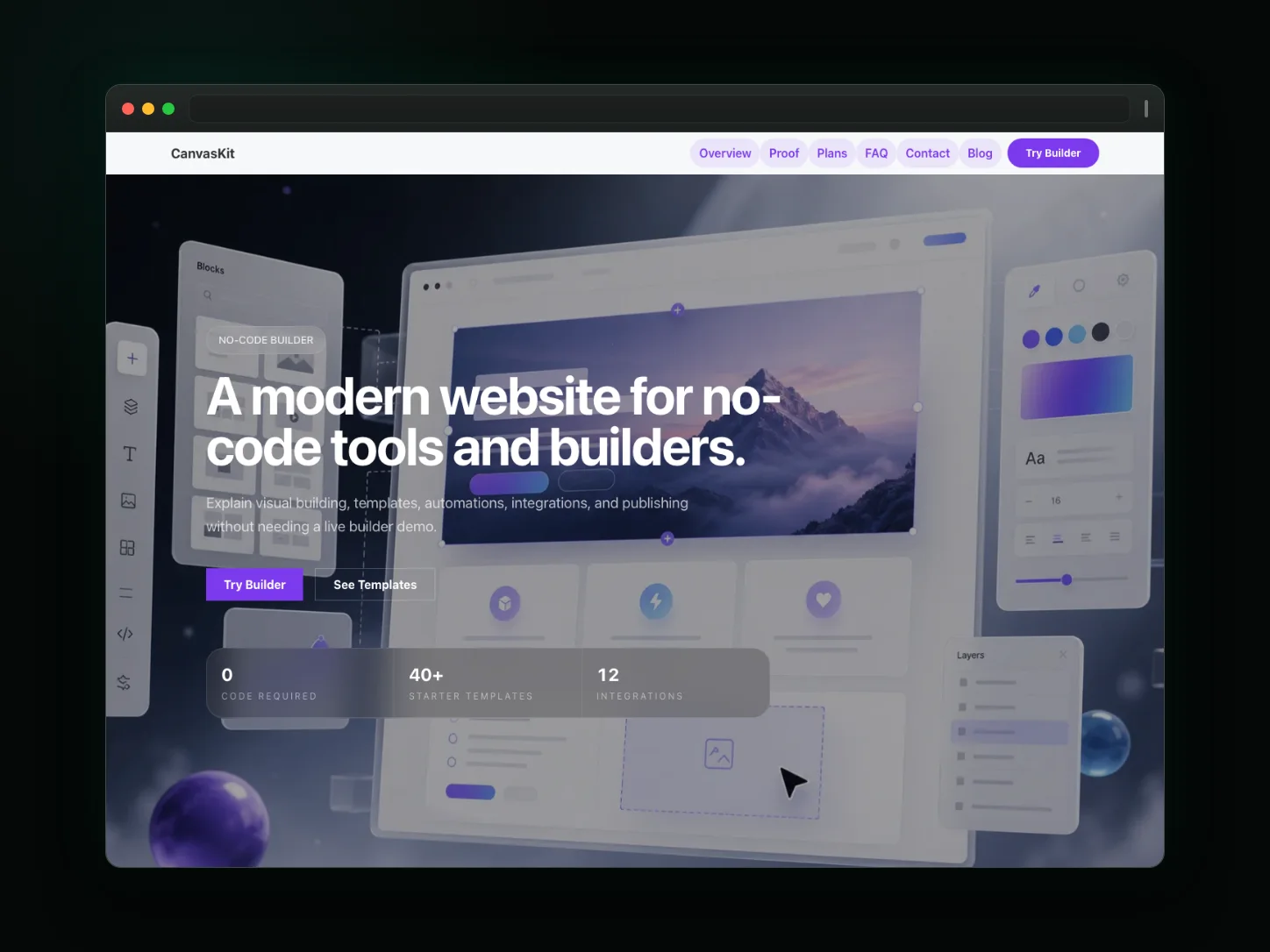
No-Code Platform
A modern glassmorphism landing page for no-code tools, API integrations, workflow automations, and developer portals.
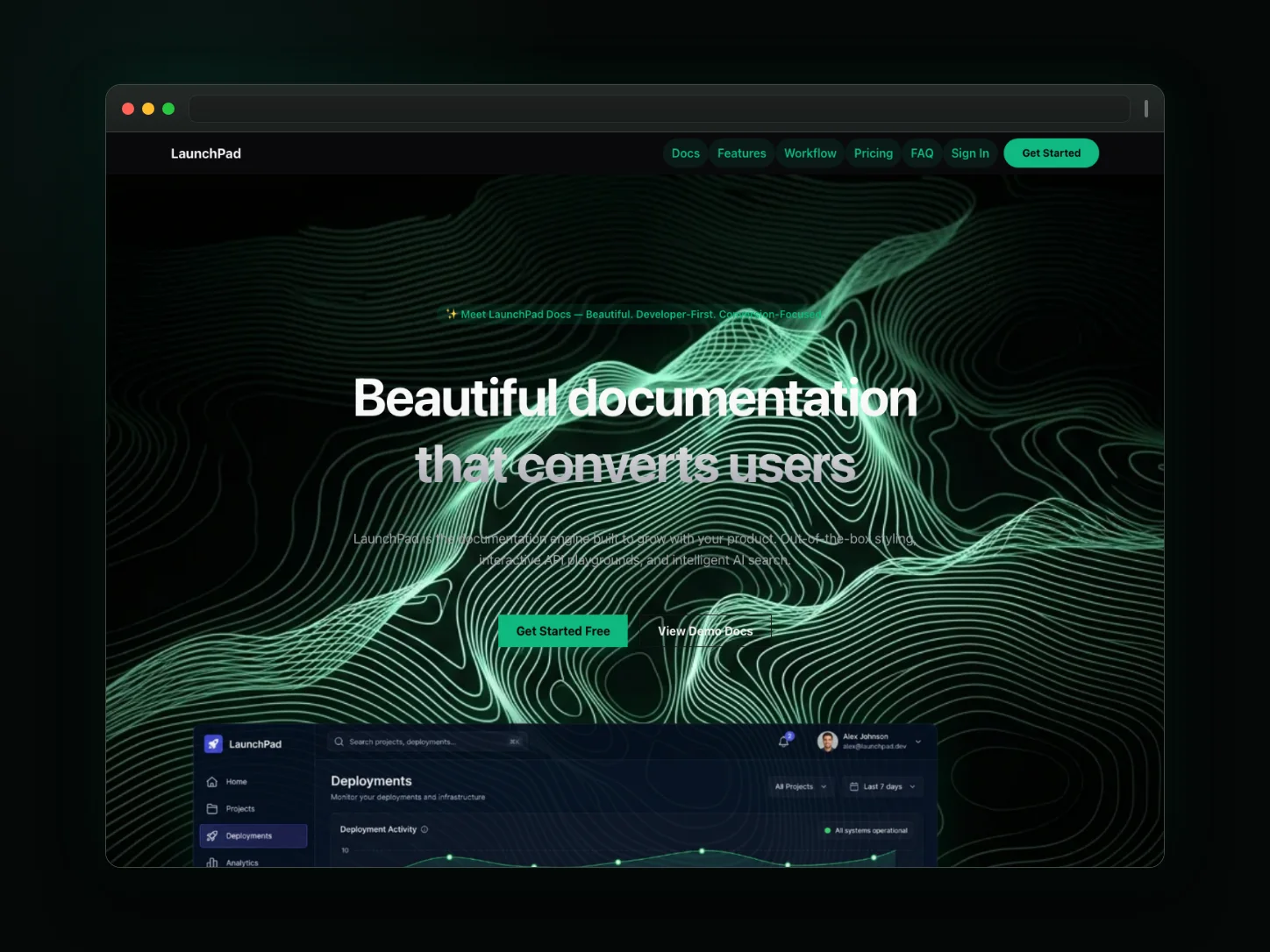
SaaS Landing
Launch your SaaS product with a premium page featuring a clean hero section, interactive feature grid, pricing table, and conversion-focused social proof.
Related use cases
Frequently asked questions
Can I write docs in Markdown?
Pages are visual and editable on the canvas; you can paste formatted content or embed code sections directly.
Is site search built in?
No native search engine is bundled. The design ships a search-style header, and you can wire up Algolia or another provider via links or custom embeds.
Can I host multiple versions?
Not as an automatic version switcher. You can publish versioned pages (e.g. /v1, /v2) and link between them.
Is there a dark mode?
Yes—docs templates ship a dark theme you can set site-wide.
Can I publish API reference pages with code examples?
Yes—documentation templates support parameter tables, response examples, and code sections you format yourself.