
Course and education website templates
Course-catalog and academy structures: curriculum preview, instructors, and enrollment information. Choose an education template, then adapt it in the visual editor.
What's included
Curriculum preview
Module-by-module breakdown with video duration, lessons, and outcomes per section.
Instructor credibility
Bio page with credentials, featured-in logos, and student success metrics.
Enrollment information
Present self-paced, cohort, or 1:1 options with clear pricing notes and point the CTA to the enrollment path you actually operate.
Course access CTA
Explain where enrolled learners access lessons or resources and link to the external learning system you already use; the template is not an LMS portal.
Who is this for
Independent educators
Subject-matter experts presenting a course, curriculum, instructor story, outcomes, and the next enrollment step on their own website.
Cohort-based course creators
Instructors explaining cohort dates, curriculum, session format, and enrollment details before sending learners to the delivery workflow.
Academies and bootcamps
Multi-course programs with sequential curriculum and certification paths.
Closest starting structures for this use case
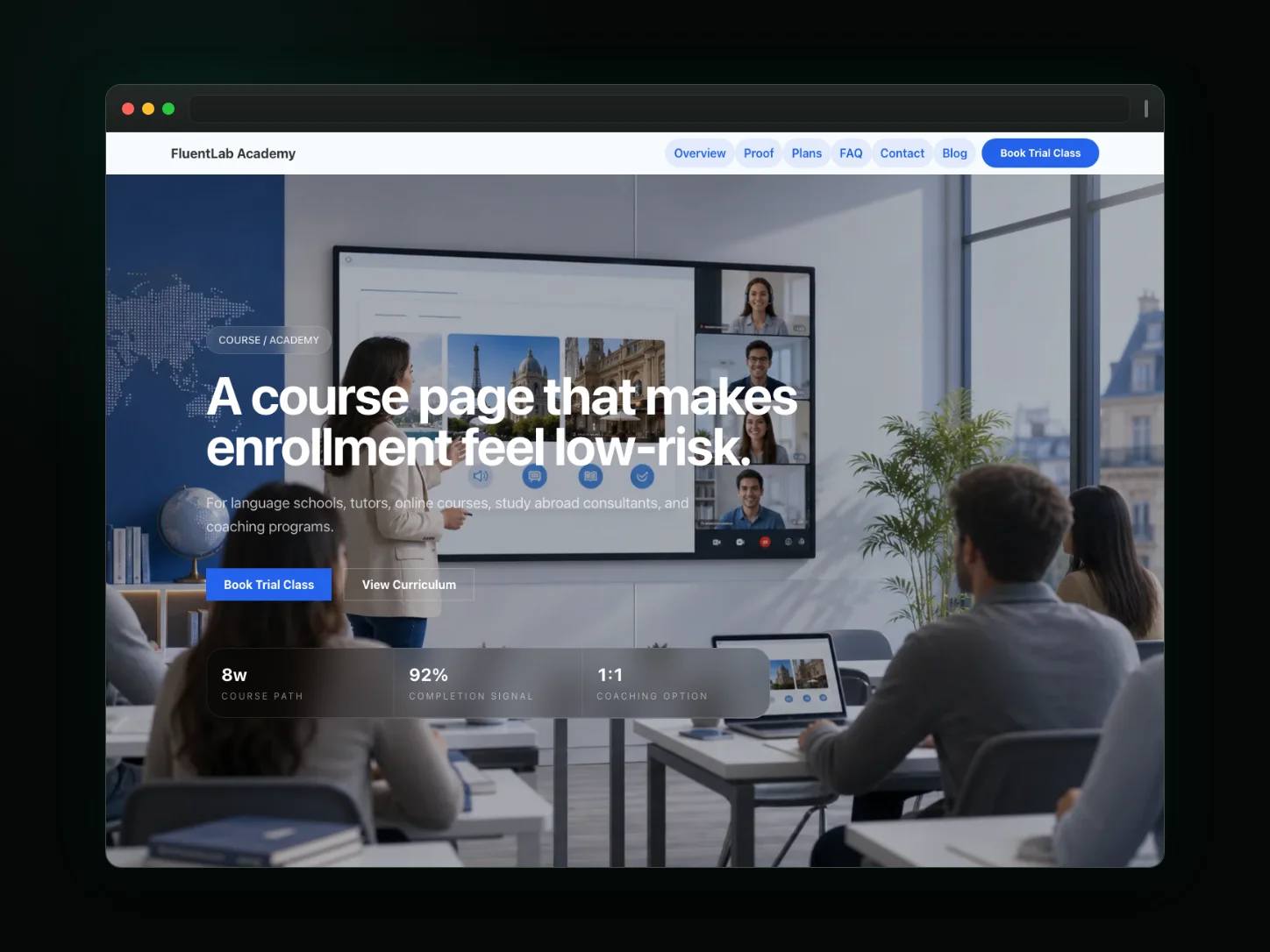
Course Academy
A structured course promotional page for academies, bootcamps, and online courses. Features curriculum grids and tutor credentials.
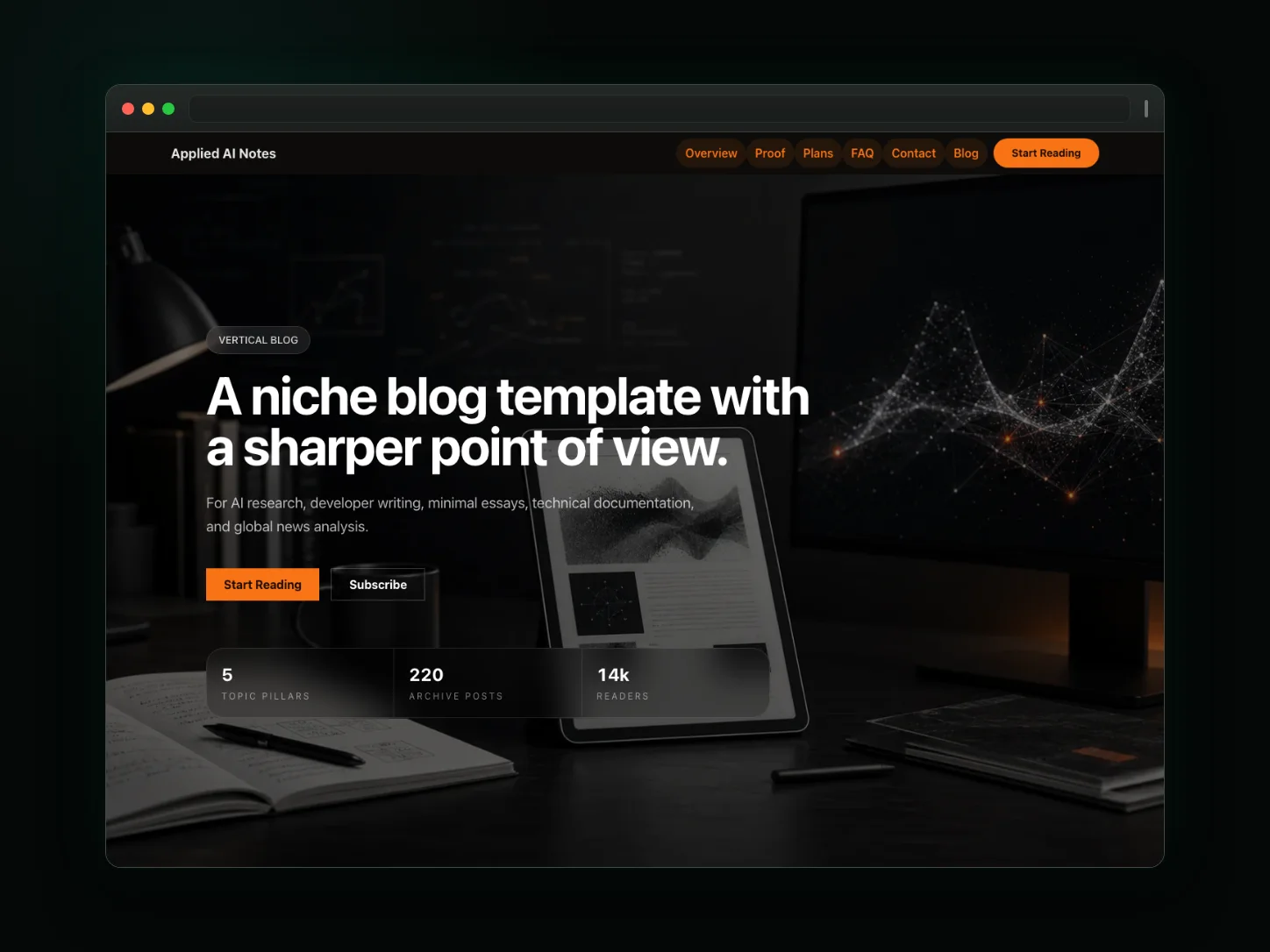
Niche Blog
An editorial blogging template for industry analysis, technical writing, developer documentation, and expert publications.
Frequently asked questions
Do I keep my course video hosted?
Keep course delivery in the video or learning platform you already use. The education template can present previews and link to that system; it does not promise video hosting or LMS delivery.
Can I show cohorts with start dates?
Yes—publish cohort dates, capacity notes, pricing information, and enrollment links as editable page content. The template does not manage cohort capacity or waitlists automatically.
Does it integrate with Teachable or Kajabi?
No native Teachable or Kajabi migration is promised by the template. Link to the learning platform you already use, and copy over public course information you have permission to reuse.
How do students access content?
The website explains the course and points learners to your real course-delivery system. Student logins, progress tracking, drip schedules, and gated lessons are not provided by the template itself.
Can I collect assignments or student applications?
Do not treat the template as an assignment portal. Where a separately verified Forms workflow is available you can use it within its documented limits; otherwise link to the application or learning tool you already use.