
For a single property or curated showcase
Choose a one-page layout with strong property photos, key facts, amenities, neighborhood context, and a clear contact route. Keep availability, prices, and listing facts accurate yourself.
Build a clear property showcase with curated listing details, neighborhood context, and an easy next step for prospective buyers or renters.
Use editable text and image sections to present photos, prices, beds/baths, square footage, and amenities. Keep availability and listing facts up to date yourself.
Add service-area notes and neighborhood details, then link to a map or your existing listing platform.
Present an agent bio, credentials, and a clear next step. Add a contact link or editable form; receiving submissions requires Pro or Team.
Create each property page in the editor with its own URL, title, description, and property details.
Show a personal profile, selected property examples, service area, and one clear contact route.
Introduce the team and local focus, then link to agent profiles or property pages you create and maintain.
Present selected rental details and direct applicants to your existing listing or application workflow.
Choose a template based on the properties you feature, the context visitors need, and the next step you want them to take.
Choose a one-page layout with strong property photos, key facts, amenities, neighborhood context, and a clear contact route. Keep availability, prices, and listing facts accurate yourself.
Prioritize agent credentials, service area, selected listings, proof, and a clear inquiry path. Create separate agent or property pages when each needs its own useful content and metadata.
Present selected rental details and send applicants to your existing listing, application, or tenant-management tool.
Use descriptive page titles and URLs, write unique descriptions for each page, add useful image alt text, and avoid copying the same listing copy across many pages. Search visibility depends on page quality and Google indexing, not the template alone.
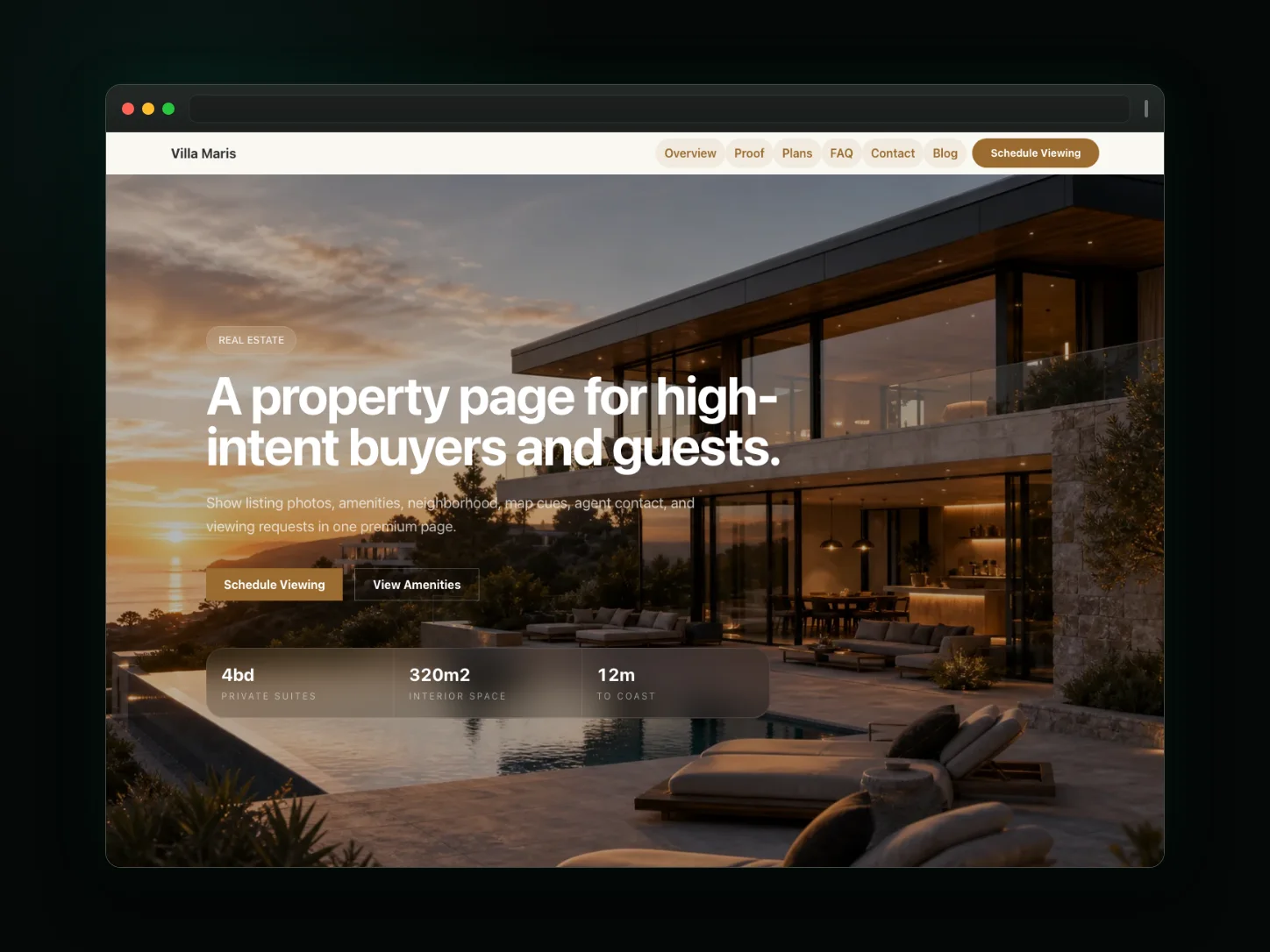
A premium property showcase for luxury listings, vacation rentals, and real estate agencies. Highlights amenities and private tours.
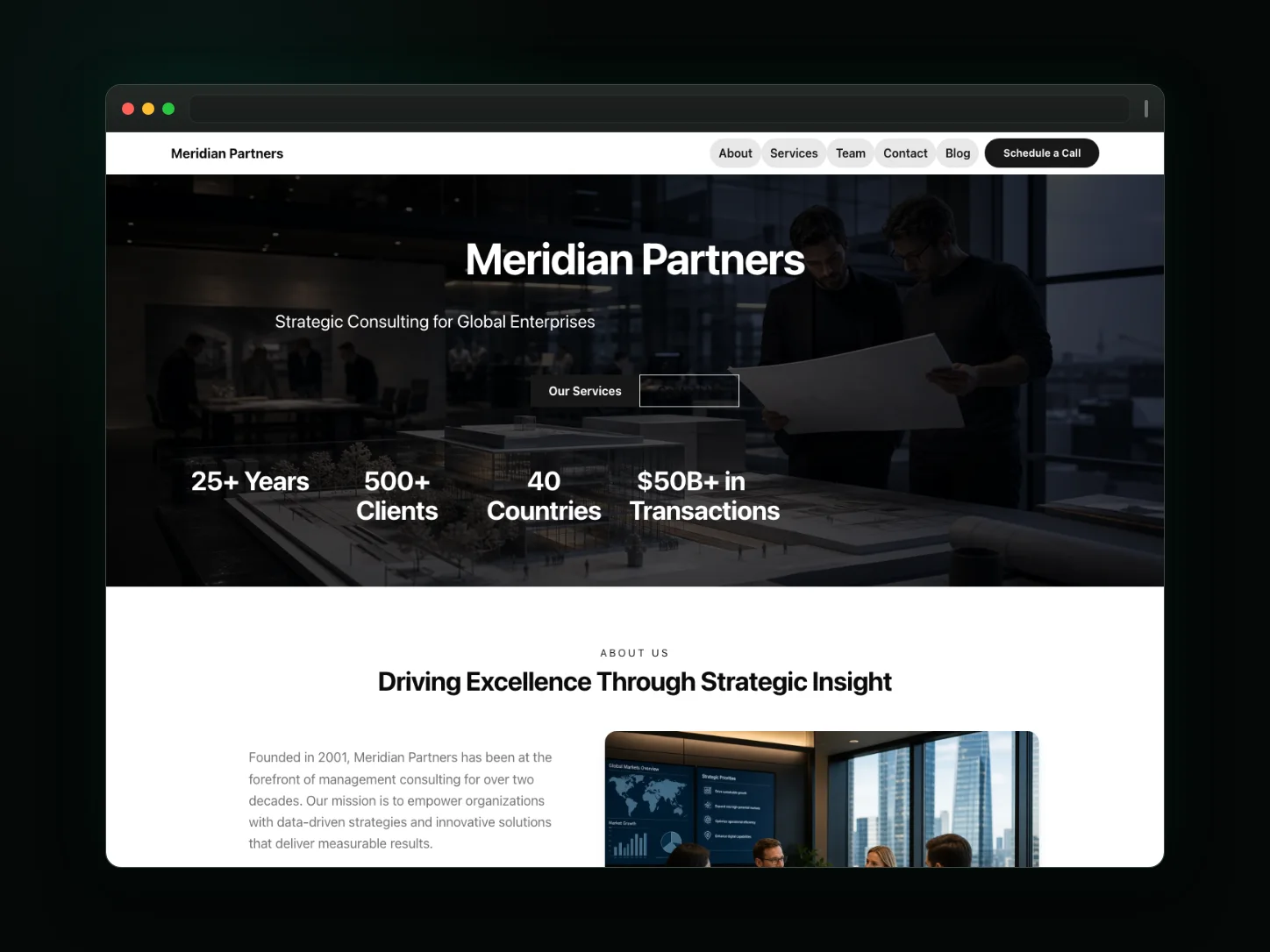
An authoritative corporate website for established businesses and enterprise solutions. Features service lists, leadership profiles, and corporate contact paths.
Direct MLS/IDX synchronization isn't available. You can present curated property details or link to your existing listing platform.
Yes. Create each property page in the editor, then set its URL, title, and description.
Add a property's status, price, and date as editable content, and update those details yourself.
Use a map link or supported HTTPS embed to show a property's location and nearby context.
Add a contact link or form for showing inquiries. Forms can be published on any plan, but receiving submissions requires Pro or Team. Keep scheduling in the tool you already use.
We use cookies
We use cookies to enhance your browsing experience and analyze site traffic. By clicking 'Accept', you consent to our use of cookies. Learn more about our cookie policy